
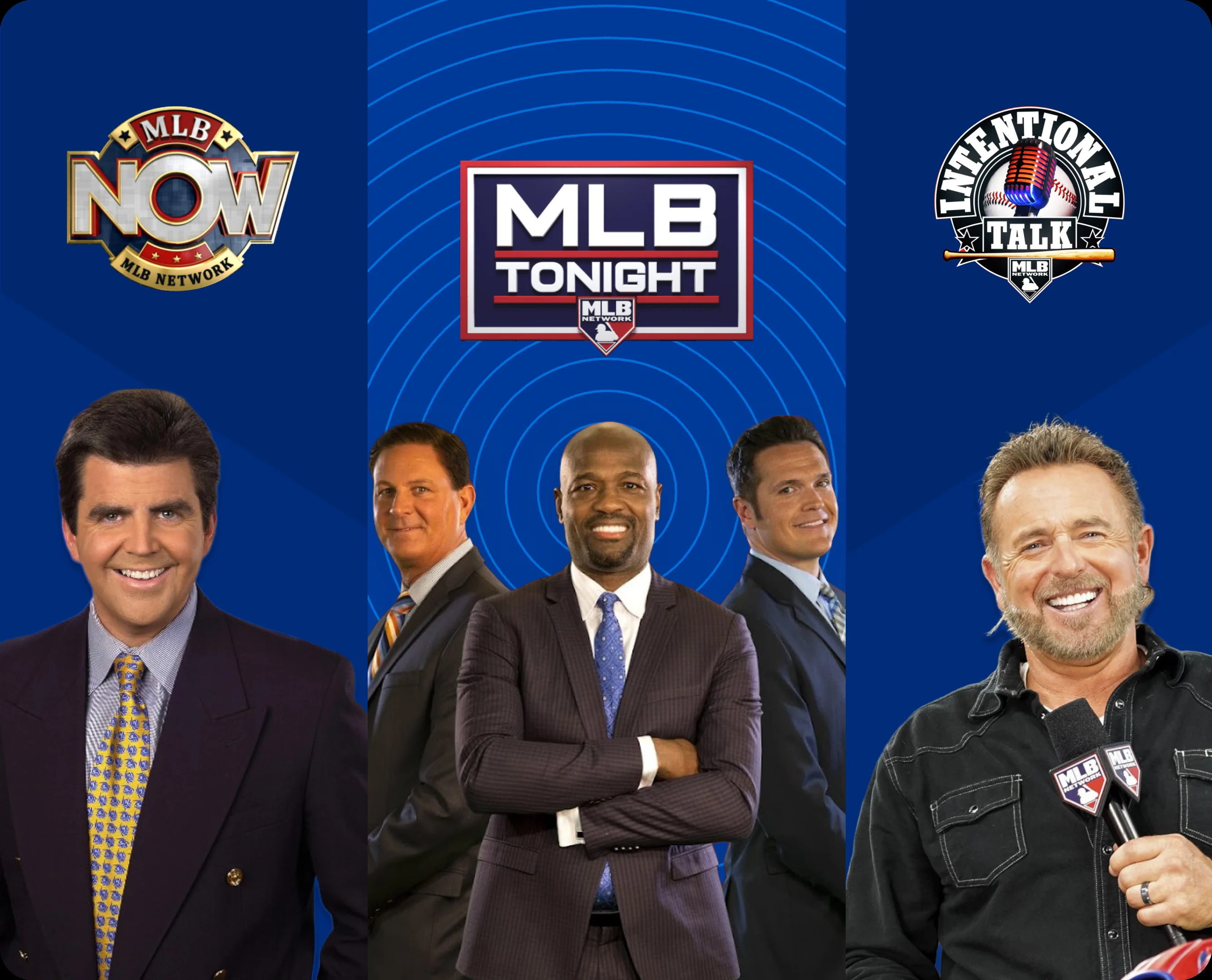
MLB+ is Major League Baseball's lower-cost subscription for MLB Network, live radio, selected out-of-market video games, Minor League Baseball, MLB Big Inning and interactive extras. It is not the complete live-game package. Fans who want every available out-of-market MLB game should look at MLB.TV, which also includes the MLB+ benefits.
As checked on September 20, 2026, MLB lists MLB+ at $5.99 per month or $59.99 per year. MLB also displays a free-trial option, but the public offer page does not state one universal trial length before checkout. Prices, trials and game availability can change, so verify the final offer shown on your account before confirming payment.
What Is MLB+ and What Changed in 2026?
MLB+ is a direct subscription from Major League Baseball built around year-round baseball coverage rather than complete access to the major-league schedule. Its headline benefits are the 24-hour MLB Network stream in the United States, live home and away radio for all 30 clubs, selected out-of-market MLB Network games, live Minor League games, MLB Big Inning and Gameday 3D.
The similar names make the buying decision harder than it should be. A useful way to remember the difference is that MLB+ follows baseball all day, while MLB.TV follows the out-of-market MLB game schedule. MLB+ works well for fans who listen to radio, watch studio shows or want a smaller collection of live video. MLB.TV is the broader game product.
MLB+ Replaced the At Bat and Direct MLB Network Labels
MLB introduced the MLB+ name for the 2026 season by combining two familiar offers under one label: At Bat and the direct-to-consumer MLB Network package. That history explains why longtime users may still see help pages or app instructions that refer to At Bat. The product name changed, but the central idea did not: pay for audio and baseball programming without buying the full out-of-market video package.
The rebrand also makes the relationship between MLB Network and the audio subscription easier to see. One MLB+ account provides both, together with the extra MiLB and interactive features described below. Fans who already buy MLB.TV generally do not need a second standalone MLB+ subscription because MLB lists those benefits as part of MLB.TV.
What MLB+ Is Not
MLB+ is not a pass to every live MLB game. It does not let a subscriber select any matchup on the schedule, and it does not automatically unlock a local club's television broadcast. The included MLB video games are selected out-of-market games carried by MLB Network, with blackout and other restrictions still possible.
It is also not a universal substitute for FOX, NBC, TBS, ESPN, Netflix, Apple TV or a regional channel. Those services hold rights to particular games and windows. If your priority is a specific matchup, check the channel first and then choose the subscription that actually carries it. Our MLB.TV subscription guide explains the full out-of-market product in more detail.
How Much Does MLB+ Cost in 2026?
MLB's official sales page listed two standard MLB+ terms on September 20, 2026. The monthly option offers flexibility; the yearly option reduces the total cost for a fan who keeps the service most of the year.
| MLB+ plan | Price checked Sept. 20, 2026 | Billing pattern | Best fit |
|---|---|---|---|
| Monthly | $5.99 per month | Renews every month, all year | Short-term use or maximum flexibility |
| Yearly | $59.99 per year | Renews near the purchase anniversary | Fans keeping it for about 11 months or longer |
Monthly and Yearly MLB+ Prices
Twelve monthly payments add up to $71.88 before any tax. The $59.99 annual plan therefore saves $11.89, or about 16.5%, compared with paying monthly for a full year. Ten monthly payments cost $59.90; the eleventh payment pushes the monthly total above the annual rate.
Be careful when comparing screenshots from different dates. MLB ran a limited $49.99 annual promotion in May 2026, but that offer ended. MLB.TV also had a $29.99 late-season price when this guide was checked. Neither figure should be treated as the normal year-round relationship between the products. Always compare the offer displayed today, not an old sale headline.
Does MLB+ Have a Free Trial?
Yes, MLB's official MLB+ page currently displays “Start Free Trial” for both the monthly and annual choices. However, the public product page does not state one universal trial length before checkout. The trial presented to you may depend on account eligibility, purchase channel or the offer active when you enroll.
Open the trial checkout while signed in and read the order summary before submitting it. Confirm the first charge date, the price after the trial and the renewal term. Taking a screenshot or saving the confirmation email gives you a reliable record. Do not confuse this MLB+ offer with the separate one-month ESPN Unlimited trial advertised to qualifying new MLB.TV buyers. For other legitimate no-cost options, see our guide to watching MLB games free legally.
Renewal, Cancellation and Refund Timing
The yearly plan automatically renews near the anniversary of the original purchase at the then-current regular annual price. The monthly plan bills every month for all twelve months, so it does not automatically pause when the World Series ends. MLB says subscribers may cancel before the next billing period through the Manage Subscriptions area on MLB.com.
Cancellation stops a future renewal; it should not be assumed to create an automatic refund for an already processed charge. Review the refund terms linked at checkout and act before the listed billing date. If you subscribed through an app store or another purchase channel, manage billing through the channel named on your receipt.
What Do You Get with MLB+?
The value of MLB+ comes from combining several kinds of baseball coverage in one account. Some benefits help you follow major-league teams; others are designed for prospect watchers, viewers who enjoy studio analysis and fans who want baseball in the background throughout the day.
MLB Network 24/7 in the United States
U.S. subscribers get the live MLB Network channel around the clock. That includes studio programs such as MLB Tonight, Intentional Talk and MLB Now, along with documentaries, highlights, analysis and games carried by the network. It is a direct way to receive MLB Network without choosing a larger pay-TV package solely for that channel.
The phrase “MLB Network 24/7” describes access to the channel stream, not a promise that every game shown on the schedule will be available at every location. Live games can still face blackout or other rights restrictions. Fans comparing direct access with a channel bundle can also read our guide to MLB Network on YouTube TV.
Live Radio for All 30 Teams Without Audio Blackouts
MLB+ includes live radio broadcasts for every major-league club, and MLB describes that audio as having no blackouts. A listener can usually choose the home or away call, which is especially useful when following a favorite announcer, listening in the car or keeping up with a game while doing something else.
The audio promise should not be carried over to video. Radio may be available when a local or nationally exclusive video feed is restricted. Broadcasts may also be quiet during commercials, rain delays or periods outside the game call, and pregame or postgame programming is not guaranteed. On supported mobile devices, the audio can continue playing while you move elsewhere in the MLB app.
MiLB Games, MLB Big Inning and Gameday 3D
MLB+ goes beyond the major-league radio and network channel. It includes thousands of live Minor League games, MLB Big Inning's live look-ins and highlights from games around the league, and Gameday 3D's interactive representation of on-field action. It also opens a library of original series, documentaries and classic baseball programming.
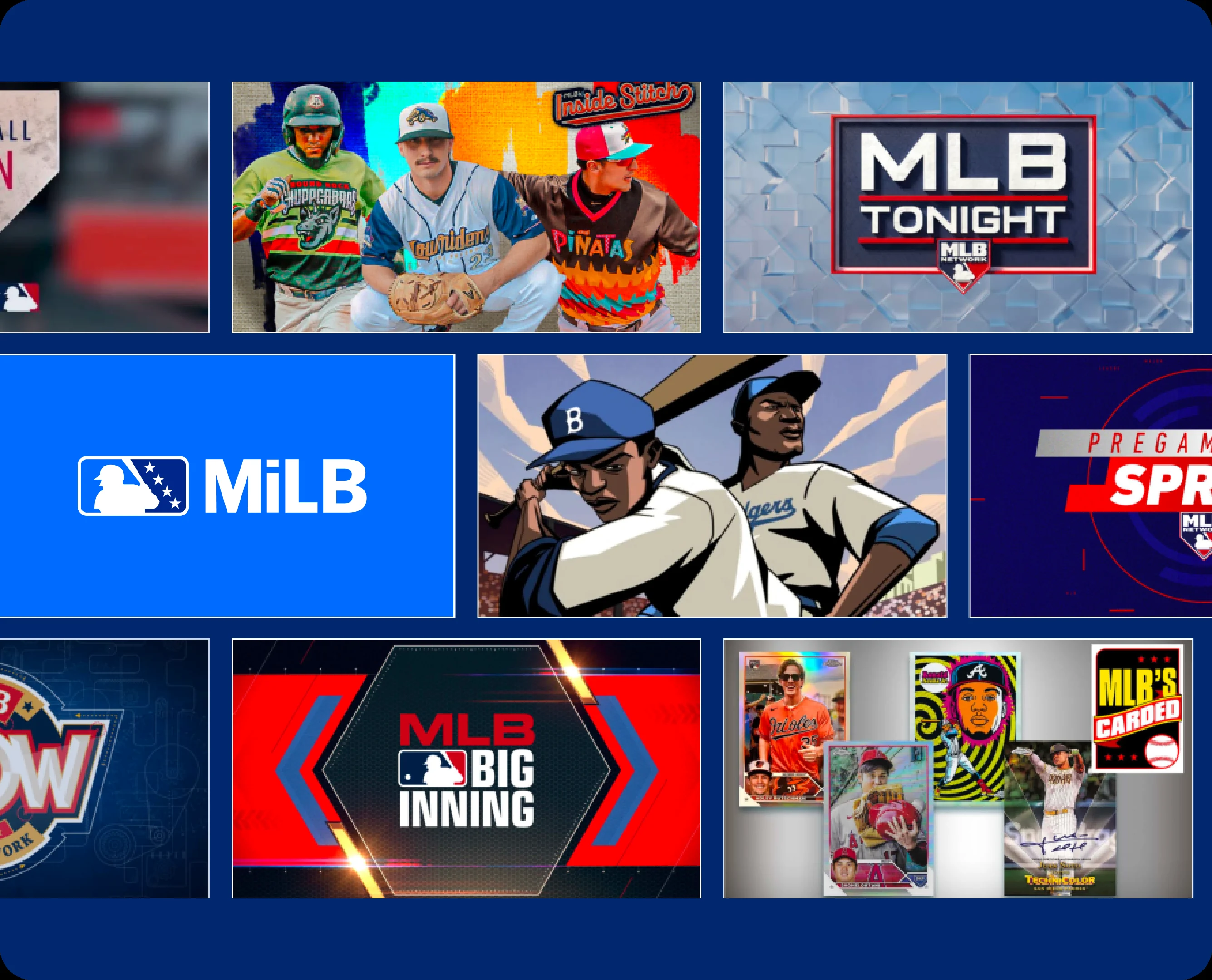
These extras matter most to fans who enjoy browsing rather than arriving with one specific MLB matchup in mind. MiLB access helps track prospects from Triple-A through the lower levels. Big Inning works like a league-wide companion during busy windows, while Gameday 3D offers another way to follow action when a conventional video broadcast is unavailable. The exact interface can vary by device, so our overview of the best MLB apps can help you plan where to watch or listen.
MLB+ vs. MLB.TV: The Difference That Matters
The two subscriptions overlap, but they are not parallel versions of the same product. MLB.TV is the larger out-of-market game package, and MLB says MLB+ benefits are included with it. Standalone MLB+ supplies the audio, network and extra-content layer without unlocking MLB.TV's complete out-of-market video inventory.
| Feature | MLB+ | MLB.TV |
|---|---|---|
| Live MLB video | Selected out-of-market games carried by MLB Network | Every available out-of-market game |
| On-demand MLB game archives | Not the complete MLB.TV archive package | Included for covered MLB.TV games |
| MLB Network | 24/7 in the U.S. | Included in the U.S. |
| All-team live radio | Included without audio blackouts | Included through MLB+ |
| MiLB and MLB Big Inning | Included | Included |
| Video restrictions | Blackouts and other restrictions can apply | Blackouts and national exclusivities can apply |
| Price context on Sept. 20, 2026 | $5.99 monthly or $59.99 yearly | $29.99 for the remaining 2026 season; seasonal pricing changes |
The last row needs context. MLB.TV's $29.99 figure was a late-season markdown displayed when this article was checked, after most of the regular season had already been played. MLB+'s yearly term runs for a calendar year from the purchase anniversary. A shopper comparing only those two numbers would be comparing different amounts of remaining access.
The practical rule is simple: if you need to watch many MLB games involving an out-of-market club, start with MLB.TV. If you mainly need radio, MLB Network and broader baseball programming, standalone MLB+ may be enough. Buying MLB.TV and standalone MLB+ at the same time is normally unnecessary because the larger package already includes the smaller product's features.
Can You Watch Live MLB Games on MLB+?
Yes, MLB+ includes some live major-league video, but the word some is essential. The subscription carries selected out-of-market games shown on MLB Network. It does not provide a pick-any-game menu, and it should not be purchased as a substitute for MLB.TV when your goal is to follow a team's full schedule.
Selected Out-of-Market Games Are Included
The live games come from MLB Network's schedule. On a day when the network carries a matchup, an eligible MLB+ subscriber may be able to stream that game. The number and identity of those games vary, and MLB does not describe the benefit as every MLB Network game for every viewer.
“Out-of-market” is the second key limit. A game involving a club outside your television territory may be available while a game involving your local club is restricted. If you follow several teams casually and regard live games as a bonus beside MLB Network and radio, that model can work. If you need one specific team every day, it is too narrow.
Video Blackouts and National Restrictions Still Apply
MLB says video restrictions are based on geography and can use an IP address and other location information. A listed MLB Network game may therefore be unavailable in a participating team's home television territory. National exclusivities and other rights rules can also affect access, and the restricted-game list can change.
This is why the phrase “no blackouts” must be read carefully. MLB applies it to the all-team radio benefit. It does not mean all MLB+ video is blackout-free. When video is restricted, the home or away radio call may still let you follow the game live.
Check the Game and Channel Before You Subscribe
Use a schedule-first check instead of choosing from the product name alone:
- Find the matchup and start time on the MLB games today page.
- Open the MLB TV schedule and identify the listed network or streaming platform.
- If MLB Network is listed, read the official MLB+ offer and current blackout notice for your location before paying.
A national game on another service still requires that service or an eligible TV package. A local broadcast may require a club-specific direct subscription or a provider carrying the local channel. This three-step check takes less time than requesting a refund after discovering that the one game you wanted was never part of MLB+.
Which Baseball Streaming Option Fits You?
The best product depends on the team, the viewer's location and the type of coverage they use most. Start with those facts rather than the lowest advertised price.
Choose MLB+ for Radio, MLB Network and Baseball Extras
MLB+ is the strongest standalone fit for a fan who listens to games more often than watching them, wants MLB Network without a larger TV bundle, follows prospects or enjoys league-wide shows. It can also suit a casual viewer who treats selected live MLB Network games as a bonus rather than expecting a particular matchup every night.
The yearly term makes more sense when those habits continue through the offseason. MLB Network, documentaries and archive programming give the service a purpose beyond the regular-season calendar. A monthly term is safer when you want to sample the interface or need the features for only a short stretch.
Choose MLB.TV for the Full Out-of-Market Schedule
MLB.TV is the better starting point for a Yankees fan living outside the Yankees' territory, a West Coast fan following an East Coast club, or anyone who regularly switches among out-of-market games. It provides home and away video feeds for every available out-of-market matchup, subject to blackout and national-rights rules.
Because MLB.TV includes MLB+, it also serves the fan who wants the full game package plus radio, MLB Network, MiLB and Big Inning. The larger package does not erase blackouts, so confirm your home territory before assuming your favorite club qualifies as out of market.
Choose a Local Team Package or Live-TV Service for In-Market Games
If the game you care about belongs to your home television territory, neither selected MLB+ video nor ordinary out-of-market MLB.TV access may solve the problem. MLB lists direct local options for participating clubs and markets, while other local broadcasts remain tied to a regional channel or provider. The available list can change and does not cover every club.
National windows create another layer. A game assigned to FOX, NBC, TBS, Netflix or another national partner may require access to that outlet even when you also subscribe to an MLB product. Check the matchup, channel and local eligibility together; there is no single 2026 subscription that guarantees every MLB telecast everywhere.
How to Watch and Manage MLB+
MLB+ uses an MLB account, so the email and password connected to the purchase are central to access. Keep the purchase confirmation, especially if you move among a browser, phone, tablet or connected-TV device. A locked program often results from being signed into a different account rather than from the subscription itself.
Sign In Through MLB.com or the MLB App
On MLB.com, sign in with the account that owns MLB+. In the MLB app, use that same account and open the Watch area for available video or MLB Network programming. For live radio on supported phones and tablets, MLB's current Android help directs listeners to More and then Audio, where the home and away calls can be selected.
Some official help pages may still call the audio entitlement “At Bat,” the former product label. That does not necessarily mean you need a second purchase. First update the app, confirm the signed-in email and restore or authenticate the subscription if the purchase channel provides that option. Device menus can change with app releases, so use MLB's current help page when the labels on your screen differ.
Manage or Cancel the Subscription Before the Next Billing Date
For a subscription bought directly from MLB.com, sign in and open Manage Subscriptions. Check the plan name, the next billing date and the payment method before making a change. MLB says cancellation is available before the next billing period, online or by email.
If an app store or another service processed the purchase, its receipt should identify the billing manager. Cancel through that platform rather than assuming an MLB.com setting will stop an external renewal. Annual MLB+ renews near the purchase anniversary, while monthly MLB+ continues each month throughout the year. Set a reminder several days before that date if you are still deciding whether to keep it.
MLB+ FAQ
Is MLB+ the Same as MLB.TV?
No. MLB+ focuses on MLB Network, live all-team radio, selected out-of-market games, MiLB, MLB Big Inning and Gameday 3D. MLB.TV is the broader video package for every available out-of-market MLB game live or on demand, subject to blackouts. MLB.TV includes the MLB+ feature set.
Is MLB Network Included with MLB+?
Yes, MLB+ includes the 24/7 live MLB Network stream in the United States. That covers network shows and selected live games, but individual game restrictions may still apply. MLB does not advertise the 24/7 network benefit as available worldwide.
Does MLB+ Include Every Live Game?
No. It includes selected out-of-market games broadcast on MLB Network. To watch every available out-of-market matchup, choose MLB.TV. For a local team's video, check current in-market options and the network carrying that game.
Are MLB+ Radio Broadcasts Blacked Out?
MLB advertises live home and away audio for all 30 teams without blackouts. That is an audio benefit and does not remove restrictions from video. Pregame, postgame, commercial and delay periods may also contain silence.
Is MLB+ Included with MLB.TV?
Yes. MLB states that MLB+ is included with all MLB.TV subscriptions. An active MLB.TV subscriber should authenticate with the same account and confirm access before buying MLB+ separately.
For most fans, the final decision comes down to one question: do you want baseball audio and programming, or the full out-of-market video schedule? Choose MLB+ for the first need, MLB.TV for the second, and verify local or national rights for any specific game before you subscribe.
Loading comments...