
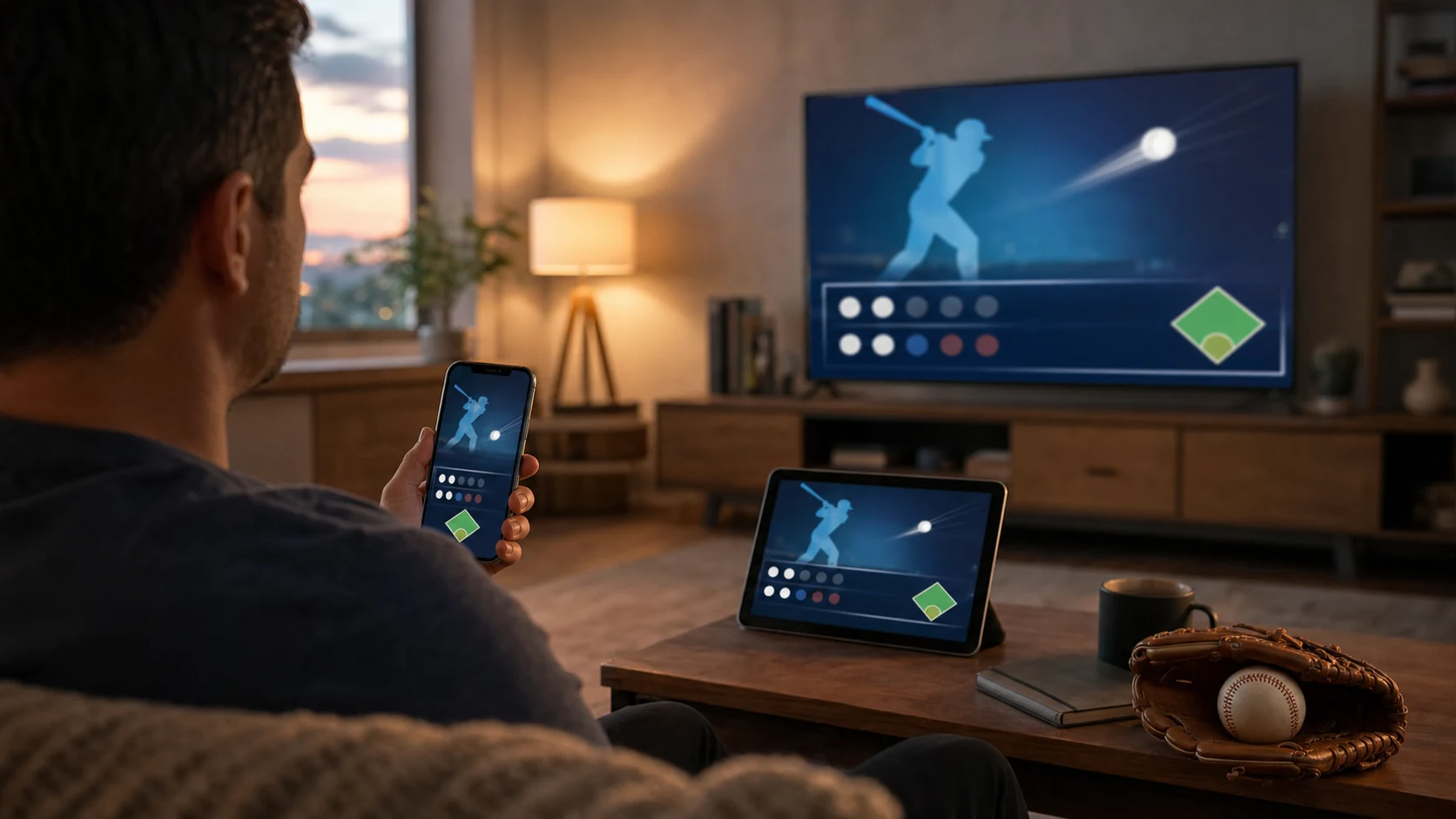
The best MLB app in 2026 depends on what you want to do. For scores, schedules, alerts and one place to follow every club, start with the official MLB app. For live video, first identify who carries the game: MLB.TV is mainly for out-of-market games, while FOX One, Peacock and Apple TV each serve particular national packages.
There is no legitimate app that permanently streams every live MLB game for free. “Free app” usually means the download, scores, news and some highlights are free—not that every live broadcast is included. Before installing several services, find the matchup on the current MLB TV schedule, then open only the app that matches its channel or stream.
Best MLB Apps in 2026 at a Glance
This table is organized by the job a fan needs to complete. Subscription terms, provider authentication and territorial availability can change, so check the app's current offer before paying.
| What you need | Best starting app | Useful free features | What may require payment or login |
|---|---|---|---|
| Schedules, scores and team alerts | MLB app | Scoreboard, news, highlights and selected alerts | Some audio and live-video access |
| Out-of-market live games | MLB app or ESPN app | Browsing and account access | Eligible MLB.TV subscription; blackouts can apply |
| FOX games on a phone or tablet | FOX Sports app | Scores, clips and coverage | Live viewing may need FOX One access or a TV-provider login |
| FOX games on a smart TV | FOX One | App installation and browsing | Subscription or provider authentication |
| Sunday national packages | Peacock | Schedule and promotional information | Live games generally require an eligible plan |
| Friday Night Baseball | Apple TV | Recaps, highlights and selected baseball programming | Live Friday doubleheaders require Apple TV access |
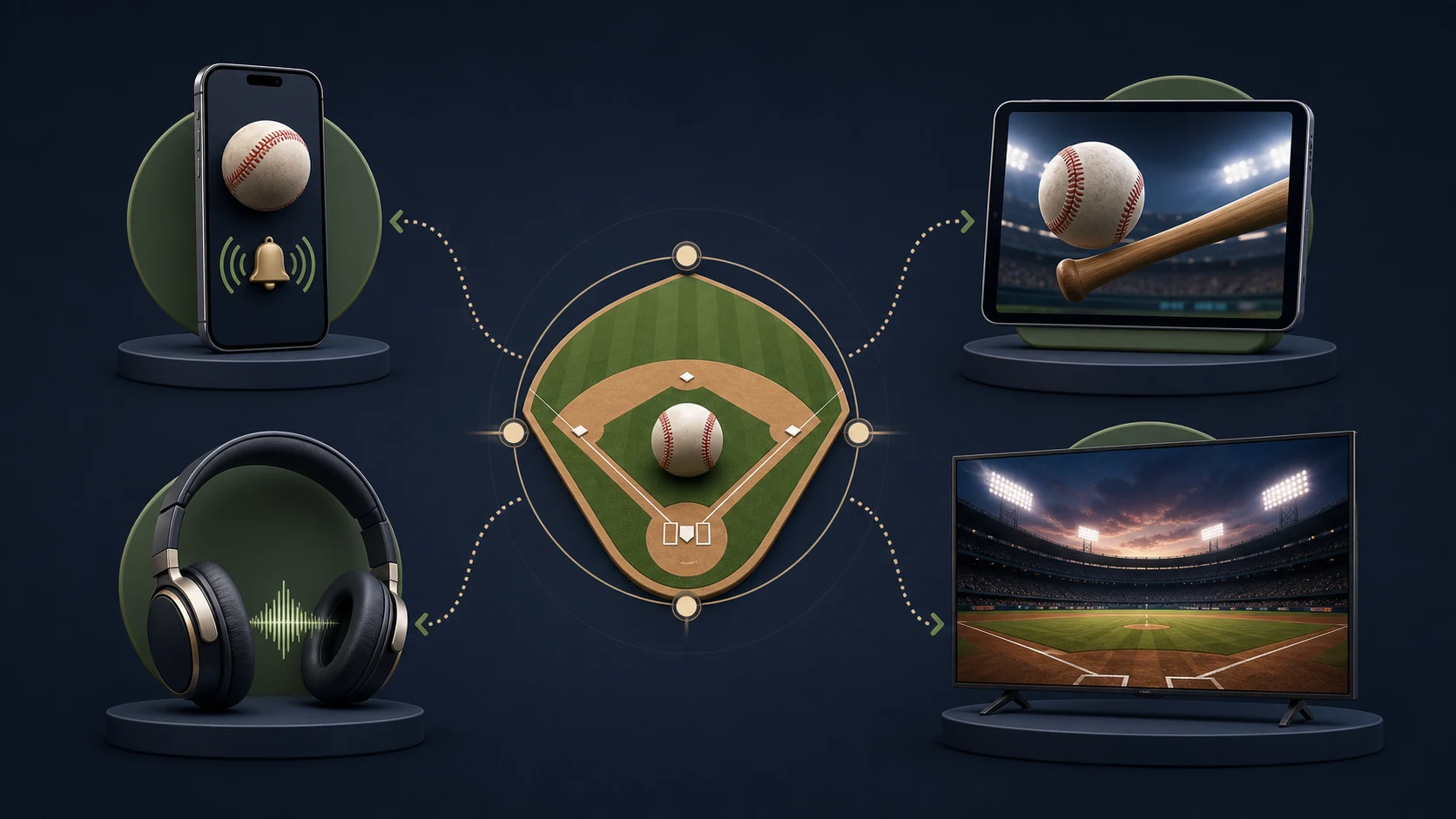
The most important distinction is between a league-following app and a rights-holder app. The MLB app can tell you who is playing and help eligible subscribers watch MLB.TV, but a nationally exclusive Friday or Sunday game may still belong in a different service.
Best Overall MLB App for Schedules, Scores and Team Alerts
For most fans, the official MLB app is the best first installation on iPhone, iPad or Android. MLB's 2026 product page highlights a favorite-team home experience, customizable news, real-time highlights, player alerts and a live field view showing player positions and batted balls. Those features make it useful even when you watch the television broadcast somewhere else.
What Is Useful Without Paying?
You can use the app as a league dashboard: check the scoreboard, open a team schedule, read news, follow game state and see available highlights. The exact mix can vary by device, region and app version, but downloading the app does not itself commit you to a full-season video plan.
If your priority is simply knowing when every team plays, you may not need another sports app at all. You can also add the site's full MLB calendar to your existing calendar app, then use the MLB app for richer game detail.
When Are MLB.TV or At Bat Needed?
The video and radio features are separate from the free scoreboard experience. MLB's Android help says MLB.TV subscribers can watch eligible live out-of-market games and archives inside the MLB app, with blackouts potentially applying. At Bat is the audio-oriented option and includes home and away radio broadcasts without blackouts under MLB's published guidance.
Do not confuse the main MLB app with MLB Ballpark. Ballpark is designed as a stadium companion for tickets and venue visits; it is not the general recommendation for league scores or at-home video.
Best App for MLB.TV and Out-of-Market Games
In 2026, eligible MLB.TV viewers have two practical app ecosystems: MLB's own platforms and ESPN's digital platforms. ESPN became the sales and distribution home for MLB.TV under the current agreement, while MLB platforms continue to provide access. If you already use the MLB app, there is no need to switch simply because ESPN also distributes the package.
The ESPN app can be convenient for fans who already keep their sports viewing in one account. Eligible 2026 MLB.TV subscribers can follow ESPN's account-linking process, but linking accounts does not change which games are subject to territorial or national restrictions.
Before choosing either app, answer these questions:
- Are you outside the home market of both teams?
- Is the game exclusive to a national partner?
- Does your subscription include the specific video or audio entitlement?
- Are you signing into the same account used to purchase or link MLB.TV?
An “unavailable” button is not always a technical failure. It can reflect the game's rights in your location. Check the listed broadcaster first, then use official MLB or ESPN support if an eligible stream still fails.
Best Apps for National MLB Games
No single national app owns every weekly window. The broader 2026 MLB national TV guide explains how the rights are divided; the app choice below is the practical version.
FOX Sports on Mobile and FOX One on Connected TVs
This is the app change most likely to confuse returning viewers. Starting May 7, 2026, FOX One became the home for FOX Sports on televisions and connected devices. That change affects platforms including Roku, Apple TV hardware, Amazon Fire TV, Android or Google TV, Samsung, LG, Vizio and Xbox.
The FOX Sports app still works on phones and tablets. Therefore, “download the FOX Sports app” is correct for many mobile users but stale advice for someone trying to install it on a living-room television. On a smart TV, begin with FOX One and connect an eligible provider or subscription if required.
Peacock for Sunday Packages and Selected Games
Peacock is the key streaming destination for NBCUniversal's 2026 MLB inventory. Its official guide identifies Sunday Night Baseball, Sunday Leadoff and selected Game of the Day streams. Some Sunday night games also appear on NBC, while the particular outlet can vary by date.
A Peacock Game of the Day is an out-of-market presentation, so the competing teams' home markets can receive the game through local rightsholders instead. That is why seeing Peacock in a national article does not guarantee the same playback option in every ZIP code.
Apple TV for Friday Night Baseball
Apple TV is the straightforward choice for the weekly Friday Night Baseball doubleheaders. Apple says the 2026 package runs across 25 weeks and has no local broadcast restrictions for those selected games. The app is available on Apple devices, many smart TVs, Roku, Fire TV, Google TV, PlayStation, Xbox and the web.
Apple also offers free recaps, classic games, highlights and other baseball programs. Those extras do not make the live Friday doubleheaders free. Verify the current subscription terms in the Apple TV app before the game.
Best Legitimate Free MLB App Options
If your search is “best app to watch MLB games for free,” set the expectation correctly: there is no permanent, legal, one-app solution for every live game. Broadcast rights, market restrictions and subscriptions are deliberately divided. Websites or apps promising all games at no cost may be unauthorized, unreliable or unsafe.
You can still follow a lot of baseball without paying for every video service:
- MLB app: use schedules, scores, news, alerts and available highlights as your main league dashboard.
- Apple Sports: on supported iPhones and in available regions, it provides scores, upcoming games, play-by-play and Live Activities for quick lock-screen updates.
- Apple TV's free baseball programming: watch available recaps, highlights, interviews and classic-game content, while recognizing that live Friday games are subscription content.
- Authenticated network apps: if your existing TV package includes a channel, its app may provide live access after provider sign-in. That access is part of your provider relationship, not an unrestricted free stream.
Limited free previews can occur, but they are promotions with dates and conditions—not a season-long viewing plan. For a no-cost schedule lookup, use today's MLB games and check the channel before deciding whether a subscription is worthwhile.
Which App Should Android and Smart-TV Users Install?
Android phone and tablet users should normally begin with the official MLB app. It covers the scoreboard, team schedules, Gameday detail and eligible MLB.TV or At Bat access. Install a second app only when a national listing requires it.
| Device | First install | Add when needed |
|---|---|---|
| Android phone or tablet | MLB app | ESPN, FOX Sports, Peacock or Apple TV for the listed game |
| iPhone or iPad | MLB app | Apple Sports for quick scores; rights-holder apps for video |
| Roku, Fire TV or Google TV | The app tied to your viewing package | FOX One, Peacock, Apple TV, MLB or ESPN as listings require |
| Samsung, LG or Vizio smart TV | Check the TV's app store and model support | Use FOX One—not the retired FOX Sports TV app—for FOX inventory |
Smart-TV support can differ by model year, not just brand. If an app is missing, update the television software, check the provider's supported-device page, or use a supported streaming stick. Avoid buying a device solely from an old article that predates the FOX One transition.
A Two-Minute MLB App Setup Checklist
- Find the game. Confirm the matchup and start time on the live schedule.
- Read the TV or streaming label. Decide whether it is a local game, national exclusive or MLB.TV out-of-market option.
- Install the matching app. Do not assume the MLB app owns a FOX, Peacock or Apple exclusive.
- Link the correct account. Use the provider or subscription credentials tied to your access.
- Test before first pitch. Open the app early, allow required location access and resolve updates or authentication prompts.
If you are planning a day ahead, check tomorrow's MLB schedule, but verify the broadcaster again on game day because assignments and start times can change.
Best MLB Apps FAQ
Is the MLB App Free?
The official MLB app is free to download and provides useful score, schedule, news and highlight features. Some live audio and video functions require At Bat, MLB.TV or other eligible access.
Can I Watch Every MLB Game Free in One App?
No. There is no legitimate permanent app that carries every live game free. Local rights, national exclusives, out-of-market rules and subscriptions determine availability.
What Is the Best MLB App for Android?
Start with the official MLB app for schedules, scores, Gameday and eligible MLB.TV or At Bat access. Add the relevant network app only when the TV listing points to ESPN, FOX, Peacock, Apple TV or another rightsholder.
What Happened to the FOX Sports App on Smart TVs?
FOX One replaced the FOX Sports app on televisions and connected devices on May 7, 2026. The FOX Sports app remains available on phones and tablets.
Can I Use MLB.TV in the ESPN App?
Eligible 2026 MLB.TV subscribers can use ESPN's account-linking process. MLB platforms remain an access option too. Linking does not remove applicable blackout or exclusivity restrictions.
For the fastest decision on any game, begin with the MLB TV schedule. It tells you which app matters tonight; this guide tells you why.
Loading comments...