
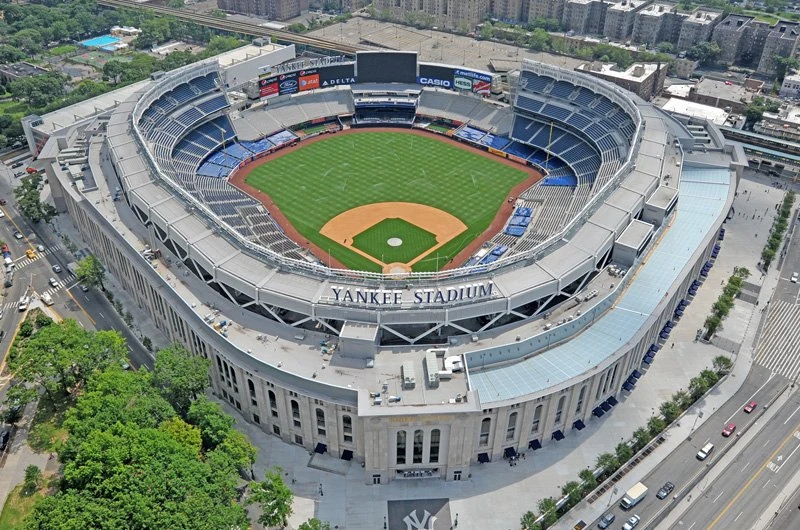
Can you watch MLB with Amazon Prime in 2026?
Amazon Prime does not include every MLB game. In the United States, the 2026 options need to be separated: selected Yankees games were included for eligible local Prime members, other baseball coverage can be available through extra Prime Video subscriptions, and the former MLB.TV add-on is no longer a U.S. Prime Video option for 2026.
This distinction matters in October. The regular-season Yankees slate has ended, and a page describing those games does not establish access to an ALCS or World Series broadcast. For a particular game, start with its current broadcaster in the MLB TV schedule, then identify a subscription that actually carries that event.
| Name you see | What it means for baseball | What to verify |
|---|---|---|
| Prime membership | Included selected regional Yankees games during the 2026 regular season | Eligible location and the specific game |
| Prime Video subscription to another service | Separately paid access to that service’s programming | Service, plan and event rights |
| MLB Network | A baseball television channel with its own schedule | Whether the desired game airs there |
| MLB.TV | A separate baseball streaming product | Current seller, account and game restrictions |
| Fire TV | A device or television platform for running apps | App support and a qualifying subscription |
Prime Video is both a place to watch included programming and a marketplace for other services. Seeing a baseball tile inside the app does not mean that the tile is included with your Prime membership. Open the event and read the access message before treating a visible logo as a viewing entitlement.
Amazon’s current U.S. subscription guidance also says that its additional streaming subscriptions can be purchased by customers with or without Prime. That is another reason to read the actual checkout rather than assume that every combination requires an extra Prime membership. The purchase path and included benefits depend on the product selected.
The guidance here focuses on the United States as checked October 17, 2026. Other countries can display different baseball channels and subscription products. An international Prime Video result, a historical package page and a current U.S. offer are not interchangeable evidence of what your account can buy or play.
The Yankees games included for eligible local Prime members
The clearest example of baseball included with Prime was the Yankees’ regional package. Amazon’s 2026 Yankees guide listed twenty-one regular-season games, seventeen of them on Wednesdays. Eligible local Prime members could watch those selected broadcasts without paying an additional fee for each game.
Where the regional offer applied
Amazon named New York State, Connecticut, north and central New Jersey, and northeast Pennsylvania as the eligible area. That is a defined regional offer, not a nationwide Yankees subscription. Living elsewhere in the United States did not turn a Prime membership into the same local viewing package.
The viewer’s eligibility and the location of the baseball game are separate questions. A Yankees road game could be part of the selected regional slate. Conversely, a game played at Yankee Stadium was not automatically included merely because the club was at home. The date’s broadcast assignment mattered as well as the viewer’s location.
For fans outside that local area, Amazon’s guide pointed to MLB.TV for the selected games, subject to the separate product’s access rules. That was a different viewing route from using a local Prime membership. Do not purchase a second product until you have checked which route applies to the game and the location from which you will watch.
What the 21-game slate did and did not include
Twenty-one selected broadcasts did not constitute an entire Yankees season. The announced list contained both home and away contests and ended with the September 23 game against Tampa Bay. By the October date of this guide, those scheduled regular-season broadcasts are past events. They are not a list of upcoming postseason games.
That distinction resolves a common search problem. A fan can find an accurate 2026 Yankees-on-Prime article and still fail to locate tonight’s playoff broadcast, because the article concerns a different package and part of the season. Search the actual playoff event rather than assuming the regional regular-season arrangement follows the team into October.
The same reasoning applies when planning ahead. The 2026 list is evidence about 2026. It should not be relabeled as a 2027 slate without a new announcement. If your main reason for keeping a subscription is a particular team, compare the published games with the dates you actually intend to watch before deciding what the subscription is worth to you.
“Included” also needs context. Here it meant no additional charge beyond the qualifying Prime membership for eligible viewers. It did not mean that any person, in any territory, could open every Yankees game for free. Reading that one qualification can prevent buying a service based on a broader promise than the offer actually made.
Why the old MLB.TV Prime Video instructions no longer fit the U.S.
Amazon staff confirmed in a March 2026 support answer that MLB.TV was not available through Prime Video in the United States for the 2026 season because of broadcast-rights changes. An older guide telling U.S. viewers to add MLB.TV inside Prime Video therefore needs to be checked against the current offer.
New U.S. MLB.TV customers purchase through ESPN; viewing can continue in the MLB app. Our 2026 MLB.TV subscription guide covers that product in detail. The important Amazon-specific point is that changing the seller does not turn a Prime membership into an MLB.TV subscription.
For someone who previously purchased through Amazon, the next step is to identify the old product and its current status in the subscription account. Look at the receipt, billing dates and any nonrenewal notice. Do not assume that an unsuccessful renewal button has created a paid subscription elsewhere, or that an old sign-in link has moved your billing automatically to another company.
A search result can still expose an MLB landing page without displaying a valid U.S. MLB.TV purchase. A catalog page, a country-specific listing and an account’s checkout are different things. Verify the country and the product offered after signing in; do not use the continued existence of a page as proof that a discontinued sales route still works.
MLB Network is a different subscription
MLB Network remains a separate baseball channel available through Prime Video subscriptions in the United States. Amazon’s support material describes a continuous channel with studio programming and selected game broadcasts. It is not the same product as the MLB.TV package.
That difference changes what you should search for. If you want a particular live game, check whether MLB Network’s schedule actually includes it. If you want the channel’s analysis or studio shows, a channel subscription may fit. A familiar MLB logo cannot establish that two products have identical game libraries.
The distinction also matters when comparing MLB Network with MLB+. Our MLB+ guide explains the latter’s features. Use the product name on your receipt to decide which service’s support and billing instructions apply. Paying for a related baseball product does not automatically resolve an access prompt for a different one.
Watching national games through extra Prime Video subscriptions
Amazon lists FOX One, HBO Max and Peacock Premium Plus among its U.S. subscription options. These are separately paid services. Their baseball value comes from the games each service carries, not from appearing together inside Prime Video. One event can require one of these services without giving you a reason to purchase all three.
FOX One for FOX and FS1 games
Amazon’s FOX One announcement includes FOX Sports, FS1 and FOX Deportes within the service’s channel portfolio. For an event assigned to one of those outlets, inspect the corresponding live listing in the FOX One subscription offered to your account. The event page should identify the actual matchup and date, rather than only advertise baseball generally.
This is the relevant family of outlets for the 2026 World Series. If the championship series is your goal, compare that round’s listing with what you already receive through a television provider or another subscription before adding FOX One through Amazon. A second bill is unnecessary if an existing qualifying package already gives you the viewing route you want.
HBO Max for TNT Sports coverage
The American League Championship Series is assigned to TNT Sports platforms, including TBS, truTV and HBO Max. HBO Max’s U.S. help guidance associates live sports with eligible Standard and Premium plans, with availability varying by subscription provider. Do not choose a plan based only on the HBO Max name or assume that the lowest-priced entertainment option includes the live game.
For an Amazon-billed purchase, check the plan description and the ALCS event inside Prime Video before confirming payment. If your subscription was bought directly from HBO Max, start with that account’s supported viewing route. Buying through one storefront should not be treated as proof that a second storefront has recognized the same purchase.
Peacock for its own MLB package
Peacock Premium Plus is another separate Prime Video subscription. NBC and Peacock carried the 2026 Wild Card round. That earlier-round assignment does not make Peacock the home of the entire postseason, and an old Wild Card promotion cannot establish access to a later ALCS or World Series game.
This is a useful example of why the round matters as much as the team. A club can advance while its games move to a different broadcaster. The subscription that solved the first round may still be useful for other programming, but the next baseball game needs a fresh rights check.
For all three services, read the current price, renewal date and cancellation terms at checkout. Promotions and plan names can differ between a direct subscription and an Amazon offer. Decide whether you want to watch within Prime Video or through the service’s own app, then verify that the purchase supports that route. A familiar channel brand does not remove the need to identify who will bill you.
Fire TV is the device, not the baseball subscription
A Fire TV Stick or Fire TV television provides a way to run streaming apps. It does not, by itself, include the baseball rights sold within those apps. Buying hardware and buying access to a game are separate decisions, even when both purchases involve Amazon.
On a supported device, a fan might watch a Prime Video subscription inside Prime Video, open a broadcaster’s own app with a qualifying account, or use an MLB-supported app route. Those choices can appear on the same television while requiring different accounts. The correct route depends on the subscription that was actually purchased.
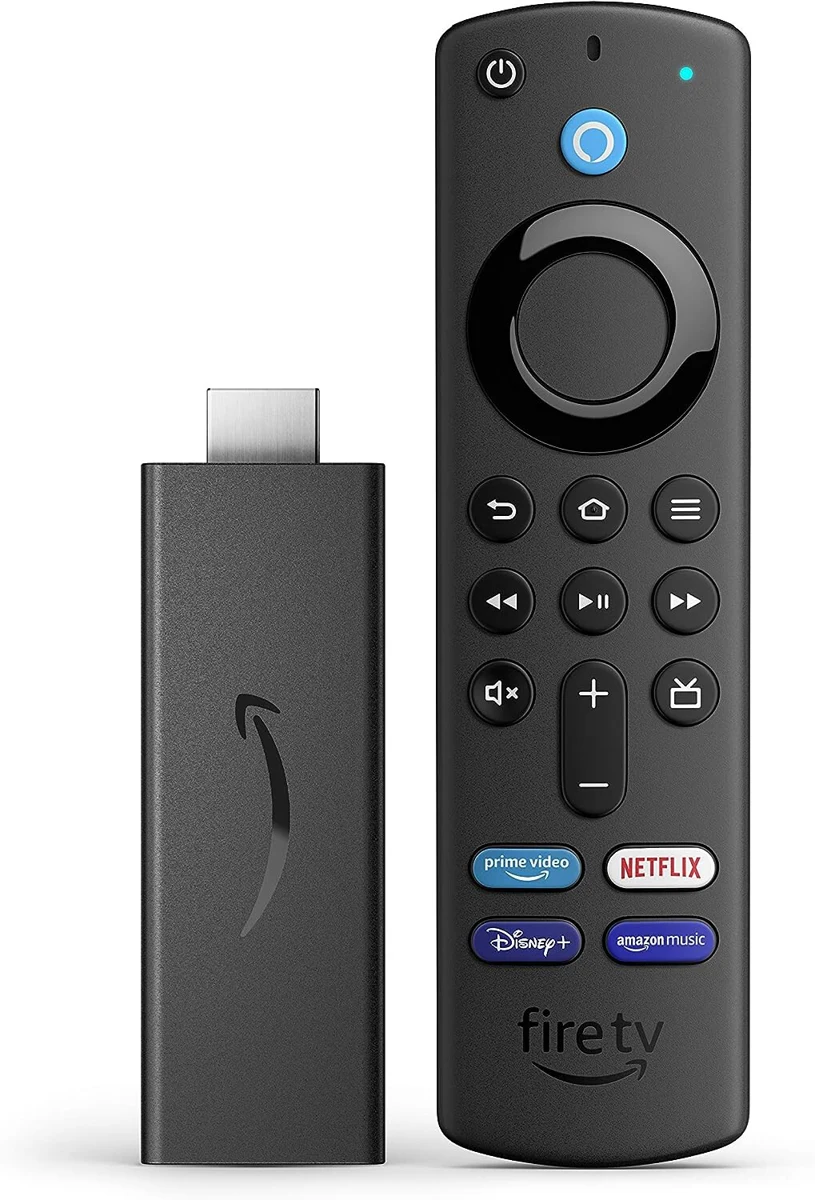
For example, an Amazon-billed FOX One subscription should first be tested through the Prime Video route described in that offer. A separately purchased service should first be tested using its own supported sign-in instructions. If an app asks you to subscribe again, stop and identify the account mismatch before creating a duplicate bill.
Device support also needs a model-specific check. Do not assume that every product with Fire TV branding has identical app availability or that an old setup video applies to a new operating system. Consult the current device requirements and the app store on the television you intend to use. Our MLB app comparison helps distinguish the viewing services before you troubleshoot the hardware.
If the correct event plays on a phone or browser but fails on the television, that points toward a device or app issue worth investigating. If the event is locked on every device, check the subscription and rights first. Replacing a working streaming stick cannot add a missing channel entitlement.
Complete a test before the game begins: update the relevant app, sign in with the expected account, open the actual live event or a comparable included stream, and confirm picture and sound. This is more useful than testing only whether the television can reach the Prime Video home screen.
A practical check before you subscribe or renew
Start with the game rather than a general search for “MLB on Prime.” The games-today page identifies current matchups; the broadcaster attached to the event tells you which service to investigate. Then work through these six checks before agreeing to a new charge.
- Identify the event. Confirm the teams, date, round and whether you want live coverage or a replay. A past Yankees broadcast is not tonight’s playoff game.
- Identify the product. Read whether the offer is Prime, MLB Network, FOX One, HBO Max, Peacock or another named service. Similar baseball artwork can lead to different subscriptions.
- Confirm the territory. Use the offer applicable to your country and viewing location. Do not infer U.S. availability from a regional or international catalog result.
- Check existing access. Compare the event with subscriptions and television channels you already receive. A second storefront may sell access you already have elsewhere.
- Choose the viewing route. Decide whether you will use Prime Video or a service’s own app. Test the account on the actual device.
- Read the bill. Check the recurring price, any trial conditions, renewal date and where the subscription will be managed. Keep the confirmation.
If you already paid but cannot open the game
First compare the receipt with the app currently asking for payment. An Amazon-billed channel, a direct service subscription and a mobile app-store purchase can have different management paths. The account that paid may also differ from the account signed in on the television.
Next read the exact access message. A request to subscribe suggests an entitlement or account question; a territorial restriction points toward game availability; a playback error after the game opens may require device or connection troubleshooting. These are different problems. Repeatedly entering payment details is not a reliable way to distinguish them.
For an Amazon subscription you no longer need, use the account’s subscription-management controls and review the displayed end date. Canceling future renewal should not be assumed to refund a previous charge. If the product was billed elsewhere, use that seller’s process. Contact support with the event, plan, device and error message when the correct purchase still will not play.
The useful answer to “Can I watch MLB on Amazon Prime?” is therefore specific: which game, which location, which product and which account. Establish those four details before paying. They determine whether Prime Video is the right viewing destination for the baseball you actually want.
Loading comments...