
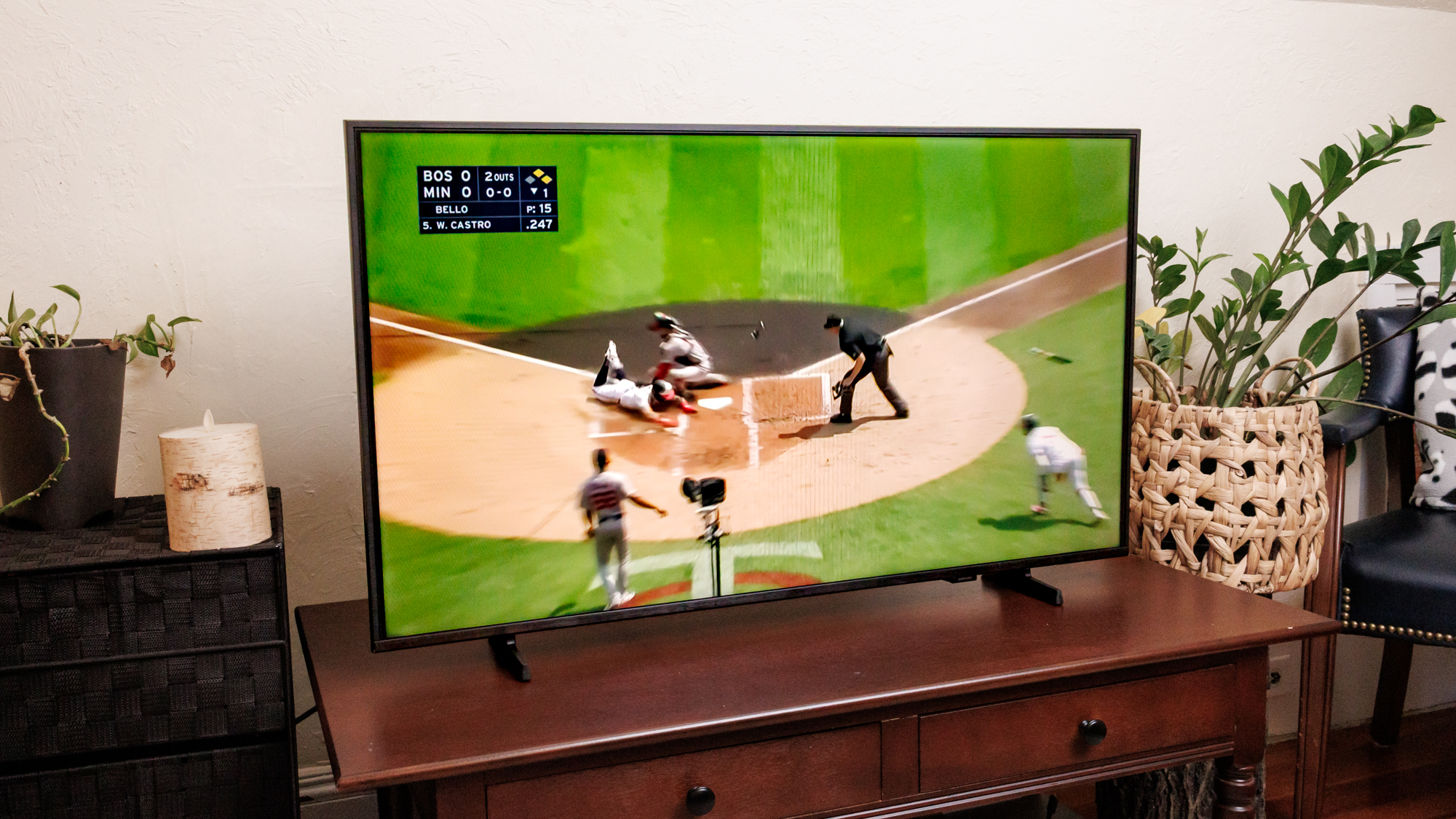
To install the MLB app on a smart TV, open the app store on the device you use to stream, search for MLB, and select the official listing. Open the app and sign in with the MLB account that has your viewing access. If your television's store omits the app, a supported streaming player connected over HDMI can bring the native MLB app to the same screen. MLB's connected-device guides.
Start with the device that runs your TV apps
Before you search, pick up the remote you normally use to open streaming apps and bring up its home screen. If you see the home menu from your television manufacturer, you're using the TV's own app platform. If you see Roku, Fire TV, Google TV, Android TV, or the home screen of an Apple TV box, use that platform's store. A Samsung TV with a Roku attached can display either menu depending on the selected input. The same set can therefore have two places to look, each with its own app availability.
Check the device again before following any platform instructions. The logo on the television identifies the panel manufacturer, and the homescreen identifies the software that opens the app. A Samsung television on its own menu uses Samsung's app catalog. On the Roku input, the Roku player handles downloads and updates. If you usually use the television remote to control both, the on-screen menu is still the best clue. MLB publishes individual setup pages for these platforms. Samsung device help and Apple TV device help.
Think through three checks as you go. The device needs to offer the official app in its store. The account you enter needs access to the video you want. The particular game needs to be available through that service in your market. Each check has its own symptom. A missing listing points you toward device and store availability. An account that keeps offering a purchase is a reason to check your existing subscription and email. If most available games play but one matchup is restricted, start by checking the broadcast for that matchup.
There may be more than one official way to use your subscription depending on your country and how you bought it. MLB's U.S. arrangement with ESPN introduced for 2026 gives eligible MLB.TV subscribers a way to use both apps after linking their accounts. Each app still has its own device support. Start with the one your hardware actually offers and the service that carries the game you want. Our MLB app comparison explains the different jobs the services do. MLB's ESPN streaming guide.
Install the MLB app for your TV platform
Connect the television or streaming player to the internet and open its app store. Search for MLB and compare the result with the provider's listing or MLB's help page for that device. On a set you share with other people, check which store account is active before changing settings. Some televisions keep their app downloads under the manufacturer account used during initial setup. Finish installing the MLB app and open it once to make sure you reach its welcome or sign-in screen.
Samsung and LG smart TVs
Samsung. On a supported television, press Home, open Apps, and select the Search icon. Enter MLB, open the app's detail page, and select Install. Open it from the detail page or find it in the apps area afterward. Samsung may prompt you to set up or sign in to a Samsung account before you download. Complete that request in the television's menu. You will enter your MLB account in the baseball app after the download. If you prefer to keep watching from the Samsung home menu, use the television's option to add the installed app to Home when available. Samsung's app installation instructions.
LG. Press Home and go to Apps or the LG Content Store, depending on your version of webOS. Search for MLB, select the matching listing, and choose Install. After the launch, check whether the welcome screen gives you a login option. If a search returns merely similar apps, write down the model from the television's information screen or label. Use the country and model lookup in LG's Content Store guide before spending time repeating downloads or changing your subscriptions. That lookup is more useful than the brand name on the front of the set. LG's installation guide and LG's model and country lookup.
Roku, Fire TV, and Google or Android TV
Roku. Open Search or the Streaming Store from the Roku home screen. Select MLB and choose Add app. The app will appear among your installed Roku apps. On a separate Roku player, use the HDMI input where that player is connected. If your television has Roku built in, the Roku home screen is already the place to begin. Open MLB and proceed from the app's screen. Home screen placement depends on your app order, so look through the installed tiles even if it did not appear next to a baseball recommendation. Roku's app instructions.
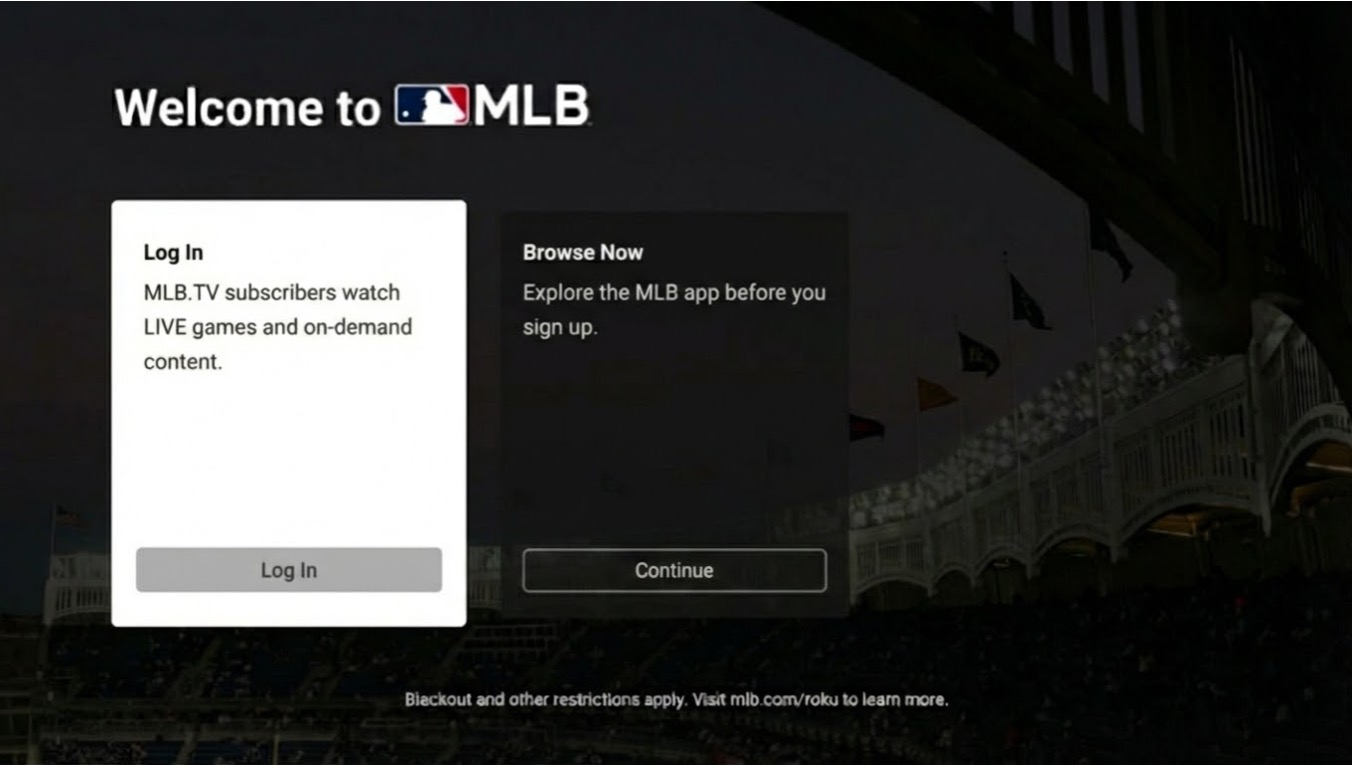
Fire TV. Start on the Fire TV home screen and use Find to search the Amazon Appstore. Open the MLB result and use the download button. Launch it from the result or your installed apps. If you find a device on Amazon's site while browsing on a phone, check the listing from the Fire TV itself before following through. The Fire TV will show the availability that applies to its software and Amazon account. Amazon's Fire TV navigation guide.
Google TV or Android TV. Use Search or Apps on Google TV and select Install from the app result. On an Android TV home screen, the Apps area or Google Play Store is the usual starting point. Install the TV version offered by that device. If Google Play on your phone shows a listing you cannot find on the TV, check the app catalog directly on the TV. The store on that screen determines whether the app can be installed there. Google TV app setup and Android TV downloads.
Apple TV streaming boxes
On an Apple TV 4K or HD box with a supported tvOS version, open the App Store and look up MLB. Check the listing's compatibility, choose Get, and open MLB from the Home Screen once it finishes. If you're using third-generation Apple TV hardware, Apple's instructions say that model has a fixed set of apps. Use a current MLB-supported platform if you need a new native app. Official MLB listing for tvOS and Apple's download instructions.
Apple TV is also the name of a streaming service and an app you may see on other hardware. If you were looking for the exclusive Friday Night Baseball broadcasts from the 2026 season, MLB directed viewers to the Apple TV service. Use the native MLB app for the MLB.TV viewing covered in this guide. Before a future Friday game, check the broadcaster of that game and open the service carrying it. MLB's 2026 Friday Night Baseball viewing instructions.
Sign in with the account that has your MLB.TV access
Open the app, select the sign-in option, and use the account associated with your MLB.TV access. Before entering a password with the remote, check the purchase receipt or your subscription settings from a phone or computer so you know which email to use. An email you use to buy team tickets may differ from the one you used to activate MLB.TV. If the TV app gives you a setup prompt to complete on another screen, follow the instructions shown in the official app for your device.
If the app offers a subscription, pause and check your existing access first. An offer screen can appear when the app is signed out or when your active account lacks the corresponding entitlement. Verify the billing source, subscription status, and email separately. That will tell you whether to use your MLB sign-in, restore a previous app-store purchase, or finish linking another account.
If MLB or an app store billed your subscription
If you bought MLB.TV from MLB, open the TV app and enter the MLB email and password tied to that purchase. Confirm that you see the same account on MLB.com as on the television. On a shared television, check the current profile inside MLB before starting a game. The name shown in your television manufacturer's account menu belongs to a different sign-in step.
If you bought through the Apple App Store on a phone or tablet, MLB documents a mobile purchase restoration and account connection process. Use a device with the same Apple ID as the original purchase, follow MLB's instructions to restore the purchase when needed, and connect it to the MLB account you intend to use. Then return to the television and sign in to that linked MLB account. Ask the billing provider about charges or refunds. MLB's Apple purchase and restoration instructions.
Some eligible cable packages also offer MLB.TV activation through MLB Extra Innings. Follow the provider activation instructions in MLB's FAQ and use the linked MLB account afterward. Confirm eligibility with the provider that sold the package before assuming the television login alone will unlock it. MLB's provider authentication help.
If ESPN billed your subscription
In the U.S., if ESPN billed your MLB.TV purchase and you want to use the native MLB app, start from ESPN's account management page. Find the activation option for MLB.TV among the linked services and follow it to connect your MyDisney and MLB accounts. Launch the television's MLB app and sign in to the linked MLB account once activation is complete. If you bought directly from MLB and want to watch through ESPN, the documented process begins in your MLB account settings. Official U.S. account linking instructions.
For a supported television that offers ESPN, you can choose the ESPN app and sign in through ESPN if it carries the MLB.TV access you purchased or linked. For the MLB app, check MLB's own device list. Keep the two checks in order, starting with which app your television can run and then which account has the subscription. Our MLB.TV subscription guide explains how the 2026 purchase routes worked.
Test the broadcast you actually want to watch
After signing in, look up the exact matchup on the MLB TV schedule or MLB Watch. Check the date, listed network or streaming service, and first-pitch time. Open the app or channel carrying that broadcast in your location. If the page gives you multiple viewing options, choose the one you already receive through your subscription or television provider. Set up that service before the game's start time if it also needs an app download or account activation. MLB's guide to finding game broadcasts.
MLB.TV generally provides out-of-market regular-season viewing subject to blackout rules. Your location and the broadcast rights for the game affect availability. A regional option that carries a club near you can differ from the service that carries a national exclusive. A team playing away can still be subject to the blackout tied to its home television territory. You can check the restriction for your location and date through MLB's Media Center and look for a broadcaster that covers the game there. MLB's Media Center and blackout information.
Postseason access calls for its own check. For select 2026 U.S. playoff games, MLB.TV required eligible subscribers to authenticate through a participating pay TV provider. Other games during that postseason had a separate live viewing route. Installing the app and signing in during the regular season did not settle how you could watch a playoff game. For the next postseason, check the notice and your provider for the specific round and game. MLB postseason viewing help.
As a practical test, play an available title before you need to watch live. During the offseason an archive included in your account is a useful choice. A successful test checks the app, account, and basic video playback. If a particular live game later shows a location restriction, review the MLB.TV blackout guide and the official broadcaster before changing your device setup.
Fix the problem you see on the screen
Start with the first place setup fails. If you cannot find the app, work on store access and compatibility. If the app opens and asks you to pay despite an active subscription, work on the account you entered. If it gives a restriction message for one broadcast, work on game availability. This order keeps you from changing network settings while you are looking at a sign-in problem.
The MLB app does not appear in the store
Confirm which input or home screen you have selected and check that the device is online. Search for MLB in that device's own store and check for a system update. On an LG television, look up supported apps for your model and country. On Samsung, check the model and its available system software, and make sure you can access the Apps area through your Samsung account. If the TV lacks a supported listing after these steps, a supported player on an HDMI input can give you another store to try. LG's compatibility lookup and Samsung's app support guide.
If you already have a compatible phone and receiver, our MLB casting guide covers that setup. Start from the method and device you can verify. If you want to use a remote and leave your phone free during the game, check for the native app on a compatible streaming player first.
The app opens, but login or playback fails
- Check the account. Confirm the subscription in the account where you bought it. If you linked two accounts, check which MLB email you linked, then sign out and sign back in on the device with that email.
- Try another included title. If an archive plays and the game you picked shows a rights message, use the listed broadcaster for that matchup. If multiple titles fail, try another app on the same device to see whether it can start a video.
- Restart and update. Restart the streaming device using its settings where available, then check for system and app updates. If multiple streaming apps buffer, check the television's network connection while the other devices are doing their usual tasks.
- Reinstall only if the device allows it. Keep your sign-in details handy. A reinstall can sign you out. Roku may restrict app removal when the app has an active Roku-billed subscription. Check your device's guidance before changing that subscription.
If the problem persists, note your TV or player model, operating system, app version, and the exact message where the issue appears. For playback, add the date and matchup you were trying to watch and the service that billed your subscription. Share these details through the appropriate provider's support channel. They can help narrow the failure to the device, the account, or the game. Roku's playback troubleshooting and MLB Support.
Loading comments...