
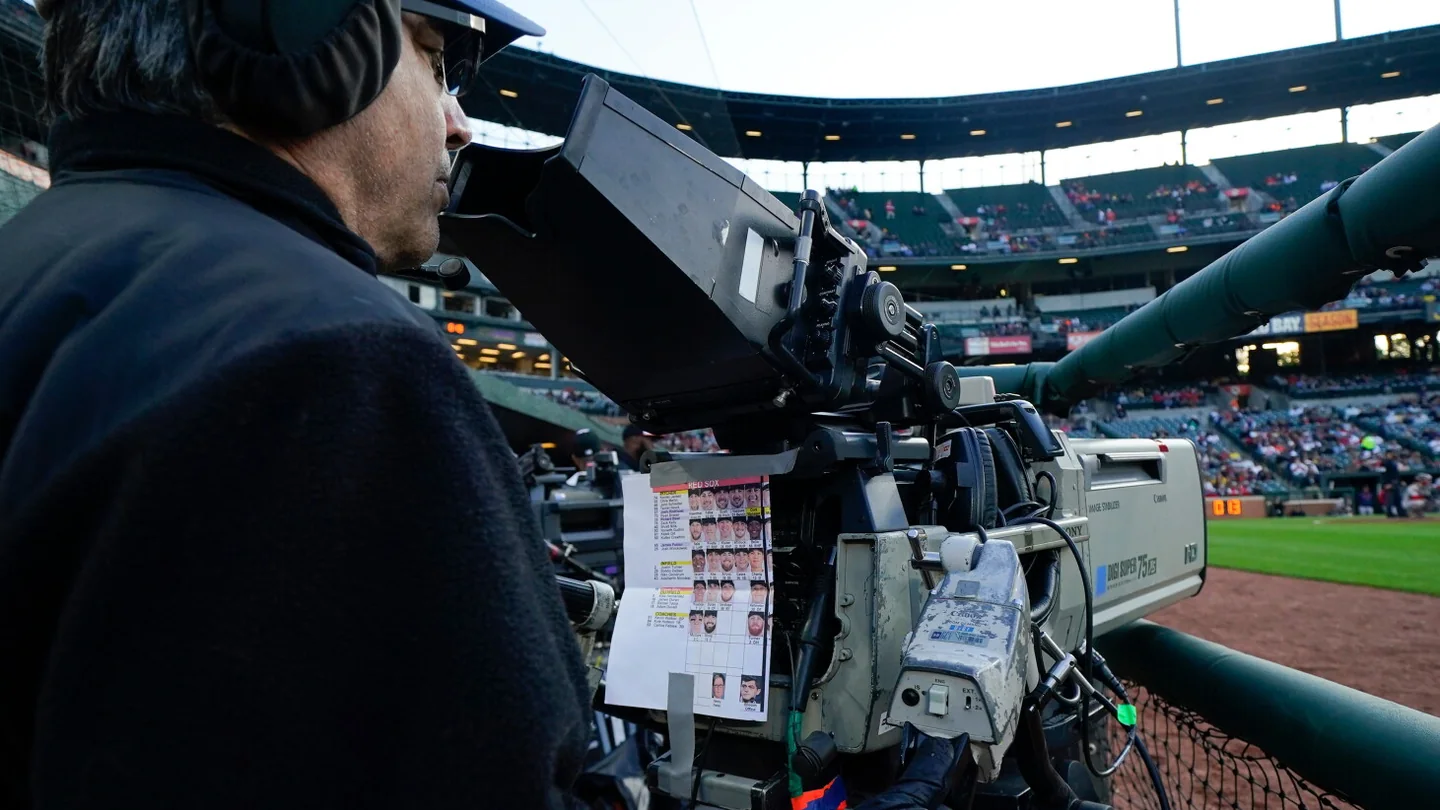
What ESPN's MLB agreement means for 2027
To watch your local MLB team in 2027, look up the club's home television territory and the local broadcast available where you will watch. That can mean a team streaming package, a channel carried by your TV provider, or a local team subscription offered through ESPN once that option is available for your club. Use MLB.TV for eligible out-of-market games. For an exclusive national game, use the network or streaming service shown in the game listing. Those three checks give you a better starting point than choosing an app and hoping the game appears.
ESPN's deal with Major League Baseball covers the 2026 through 2028 seasons. It gives ESPN the rights to distribute MLB.TV, the league's out-of-market streaming product. It also gives ESPN in-market streaming rights for certain clubs whose local games are produced and distributed by MLB. ESPN's own national regular-season package is another part of the agreement, alongside an out-of-market Game of the Day offering for ESPN Unlimited subscribers. Seeing several baseball products in the ESPN app tells you where they can be watched. The product description tells you which games your purchase covers. ESPN's rights announcement
MLB's 2026 guidance describes the local club packages as available through MLB's platforms, with out-of-market MLB.TV available on ESPN. An MLB guide published in April points to 2027 for ESPN to begin offering local in-market streaming subscriptions. MLB's agreement describes several possible ways to buy eligible team coverage, including separately and in a bundle. Check the 2027 club and checkout pages for the season's team lineup, launch timing and price before deciding which option to purchase. MLB's 2026 ESPN FAQ · MLB's media agreement
It helps to start with the kind of baseball you actually want to see. If it is most games of a team near you, identify its local option first. If it is your former hometown team from across the country, check MLB.TV access for the place you live now. If it is one weekend series or one high-profile game, begin with the dated matchup. A local distribution agreement can solve the first problem while a national exclusive still determines how you watch the third.
As of November 18, 2026, published 2026 product pages are useful for understanding the existing structure, and the new season's product listing is the place to confirm its terms. If you are checking an existing paid account, start with the purchase and billing information for that account. Our 2026 MLB.TV subscription guide explains how last season's purchase routes differed. MLB's ESPN partner support page
Find your team's local broadcast before you subscribe
Use two lookups. MLB's territory tool tells you which clubs count as local in a ZIP code. The team's coverage page tells you how to receive that club's games through a channel or streaming subscription. Use the two results together. A city that appears in a team's territory can still have different channels or streaming services available from one provider to another. MLB's game and blackout locator
Check the location where you'll watch
Enter the ZIP code for the place where you plan to stream. If you're preparing for a trip, look up the destination too. A league territory can cover viewers well beyond the stadium's city, and each club in a matchup can affect the result. Someone away from home can be outside one team's territory and inside the other team's territory for the same game. The website gives you a way to look up local restrictions in advance, while actual playback applies the terms for your viewing location. MLB's territory lookup · MLB's streaming terms
The words “home” and “away” on the schedule describe where the game is played. Your local market describes where you are watching. Picture a Mariners fan in Seattle following the club on a road trip. The home territory rule can still apply to that viewer through the regular out-of-market MLB.TV service. Use the local outlet listed for the road game, then check for a national exclusive on that date. For the background on how those restrictions work, see our 2026 MLB.TV blackout guide.
Start with the club's official coverage page
Seattle's 2026 rollout shows how to use a team page. The Mariners published a ZIP and provider channel finder for cable, satellite and internet television customers, and listed Mariners.TV as a direct streaming option for eligible viewers in their territory. MLB.TV handled eligible games for fans outside the market. The options and their names applied to 2026. For 2027, you can use Seattle's tune-in page to look for its new terms and use the Mariners schedule to identify the matchup and date. Mariners tune-in page · Seattle's 2026 channel announcement
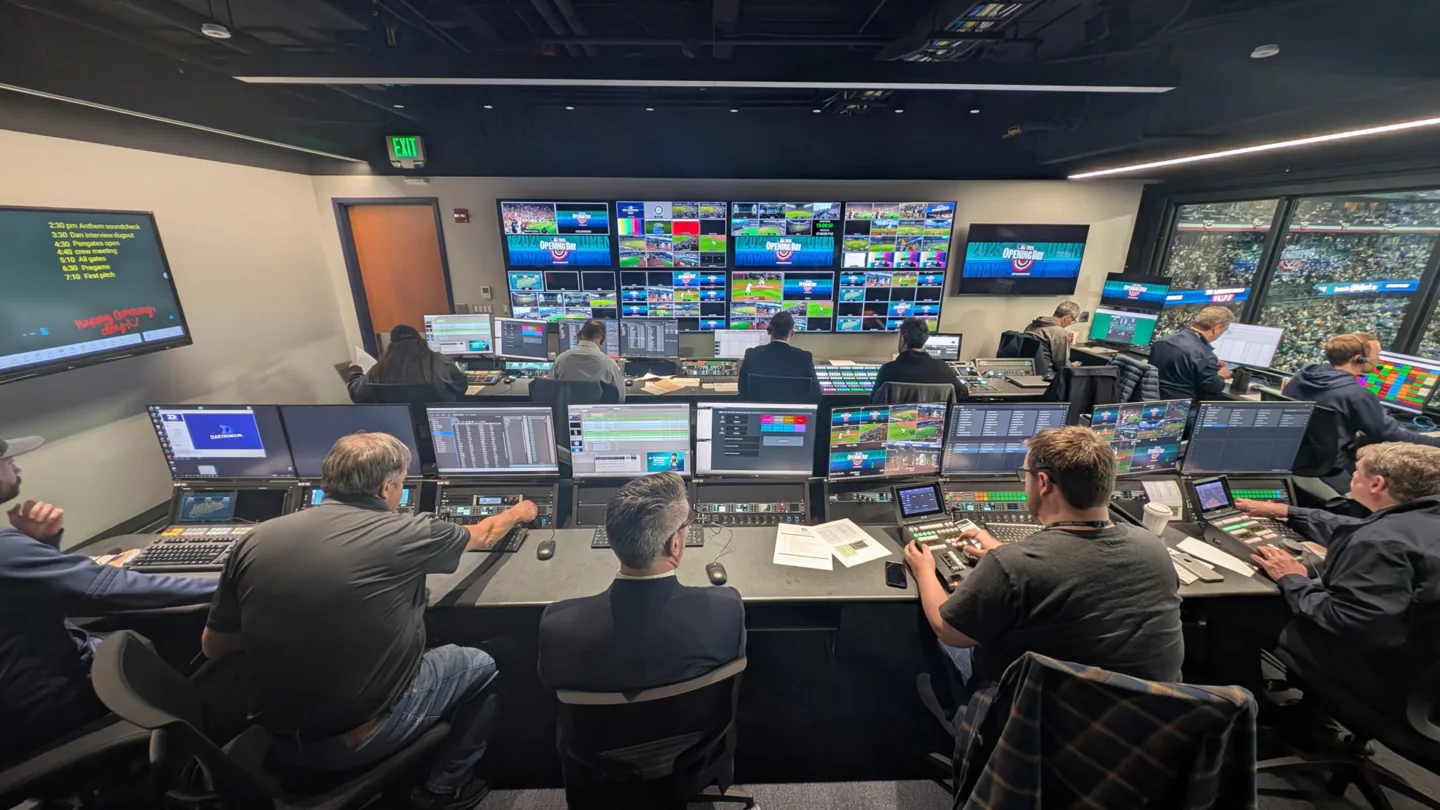
Other clubs can distribute their local games differently. Atlanta announced a team-owned network, BravesVision, for 2026, with a Braves.TV streaming option and some local over-the-air broadcasts. A brand on the telecast, the company producing it, and the service selling the stream can be three distinct parts of the same arrangement. On your team's page, identify the purchasing link or provider channel, check the season shown, and confirm that your ZIP qualifies. Atlanta's BravesVision announcement
Choose the package that fits the games you watch
Write down the teams you follow, where you usually watch, and whether you want a full season or a few games. Then compare that list with the product description. A local team subscription and an out-of-market subscription address different games. If one of your games has an exclusive national listing, check that network's access terms separately. You can use the same steps for a cable package, an app subscription or a bundle. MLB's package directory
| What you watch | What to check first |
|---|---|
| Most games for a team in your market | The local team's listed channel or direct subscription |
| Eligible games for a team outside your market | MLB.TV coverage and the restrictions for both clubs |
| A local club and a distant club throughout the season | Separate local and out-of-market coverage, or a bundle that lists both |
| One nationally exclusive game | The network or streaming platform assigned the matchup |
For viewers inside the team's market
Check your existing TV provider first. If your plan already carries the local channel, confirm it serves your address and is included in your tier. Ask whether streaming access is available through that provider if you intend to watch on another device. If you prefer a direct subscription, open the team's official link and verify the ZIP requirement. Check the same items on ESPN if the team's 2027 product is listed there. The team name and coverage details should appear on the offer before you complete the purchase. Example team channel and streaming finder
For viewers outside the team's market
Consider MLB.TV if your main goal is to follow a club based elsewhere. Its eligible out-of-market games can be viewed through ESPN under the agreement. There is also a selected Game of the Day slate for ESPN Unlimited subscribers. If you want one club's games week after week, check how a full MLB.TV subscription covers those dates and whether either team in an individual matchup is local to you. If you already have MLB.TV, check the account-linking option before paying through a second service. Linking gives the app access to the product you already bought under the applicable terms. MLB.TV access and linking · ESPN's Game of the Day rights
For households that want local and out-of-market games
Imagine one person wants to watch the local team and someone else wants to follow the club from their former hometown. Check the first team's local entitlement and run the second team's games through the out-of-market test. In 2026, MLB offered combinations of a club's local product and MLB.TV for participating teams. Evaluate any 2027 combination against the two separate options after it is listed. Check the team name, billing period, renewal terms and apps each part can use. If you already receive the local channel from your TV provider, that existing access can change the choice. MLB's 2026 combination packages
Check the game listing for a national exclusive
After you find your team's local outlet, open the listing for the exact game. Match the opponent and date, especially when the teams are playing a three-game series or a doubleheader. A national exclusive changes the live broadcast path for the individual matchup. It can put a game on a partner's service even for a household that receives the club's regular local feed. Use the MLB TV schedule to find the game, then confirm the final listing with the club or rights holder.
The 2027 calendar already gives two concrete examples. MLB lists March 24 as Opening Night with a game on Netflix, and July 15 as the start of the second half with a standalone game on ESPN. The media agreement describes Opening Night as a Netflix exclusive. These are scheduled broadcast events for particular dates. Select the listing when you're checking a different March game or another game during Rivalry Weekend. MLB's 2027 schedule announcement · The MLB national media agreements
Some national telecasts coexist with a local broadcast. MLB showed that explicitly in its 2026 Opening Week release by labeling certain national games as non-exclusive and saying their usual local feeds would also carry them. If a 2027 schedule lists two outlets, check which applies to your ZIP or your existing plan. Pay attention to the league's exclusivity label where available. Seeing a national brand beside a matchup is a reason to check the details before paying for another service. MLB's 2026 Opening Week listings
Take a hypothetical weekend series. The opener could have the normal local telecast, the middle game could be exclusive to a national streaming partner, and the finale could return to the local channel. Check the whole series one game at a time to see which dates your subscription covers. If you only intend to watch the middle game, its current listing is the most useful place to start.
Use the same game-by-game check for special events and postseason coverage. MLB's media center flags that those games can have their own restrictions. The precise service can change with the round, date and country. Confirm the individual broadcast as first pitch approaches if start times, outlets or matchups are still pending. Our 2026 national broadcast guide provides background on the earlier season's partner mix. MLB's available games and restrictions
What to do when the game is missing from your app
Start with two questions. Which service has the live game where you are watching? Which service did your account pay for? Work through them in that order. For example, a Seattle viewer may open the ESPN app and see an active out-of-market MLB.TV subscription. A regular local Mariners telecast can still require the local team package or the club's television outlet. Checking access this way can save you from reinstalling an app when the subscription is working as described. MLB's ESPN viewing FAQ
Match the game to the subscription you bought
- Pull up the exact game. Confirm the date, both clubs, and the first pitch. Check whether the listing shows a local outlet, a national exclusive, or more than one feed.
- Confirm the viewing location. Use the ZIP for where you will watch and check restrictions for both teams. If you recently moved or are traveling, run the check for the current location.
- Read the paid product name. Open the receipt or your subscription page. Compare what it says with the package listed for that team or game. Keep the local team subscriptions, MLB.TV, and TV-provider channel access distinct when making the comparison.
- Open the supported platform. A provider channel, a team's direct stream and a national service each have their own account entry point. Use the listing to select which one to open, then select the live feed for the right game.
If there is no live video route with your existing access, look up the game's audio or replay options before deciding on a separate purchase. Those have their own availability and timing. That can be useful when you care about one game while visiting another market, or you plan to catch up after work. Keep the video listing close at hand if you also expect to watch the next game live. MLB's live and archive information
Fix account and device access after checking rights
For an eligible MLB.TV purchase, ESPN's current support route starts under the managing account. For a purchase billed by ESPN, start in ESPN's account settings and find MLB.TV. For a purchase billed by MLB, start in MLB Account Management. Follow the prompts to connect the MLB account and the MyDisney account, then sign in on the device you intend to use. ESPN's 2026 instructions direct TV-provider Extra Innings customers to the MLB app. Check the current season's activation instructions if the option has moved. ESPN's MLB.TV activation instructions
Confirm the app is supported and up to date. Check whether the app has requested access to the device's location, then compare playback on a second supported device in the same location if available. If the territory looks wrong after those checks, give customer support the matchup, date, viewing ZIP, device model, subscription name and exact error message. For help finding the software on your television, see our MLB app installation guide. MLB's blackout and support information
Loading comments...