
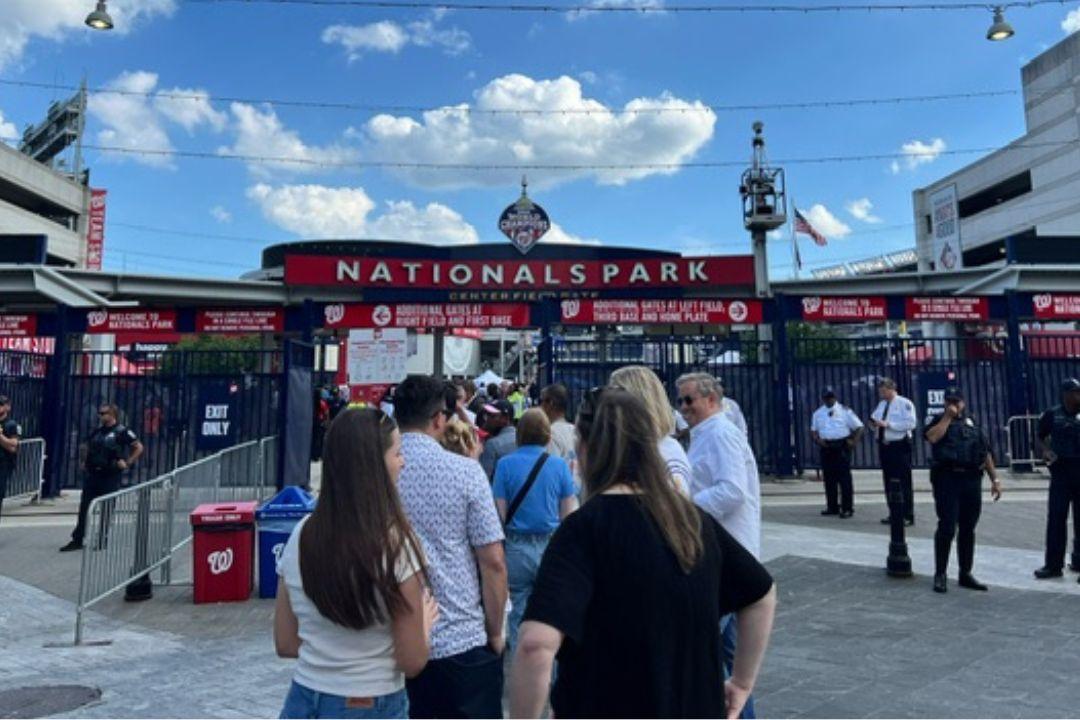
To find baseball games near you, start with three inputs: your city or ZIP code, the maximum distance you will travel, and the date you want to attend. A schedule can show which teams play today, but it cannot know whether a ballpark is “near” without your location. The closest team may also be on the road, so the nearest team and the nearest available game are not always the same answer.
For an MLB game today or tonight, open the current MLB games schedule, identify home teams, and map their listed ballparks from your starting point. If nothing fits, check the tomorrow schedule or expand the search to Minor League Baseball. MiLB's official ticket directory covers clubs and parks across Triple-A, Double-A, High-A and Single-A, often revealing professional baseball options outside an MLB city.
This guide gives you a repeatable way to find MLB and MiLB games today, tonight or this weekend, then verify the venue and buy the correct ticket. It does not guess your location, display live inventory or promise a price. Schedules, ticket availability and event details can change, so the final check always belongs on the official team, league or ballpark page.
The fastest way to find baseball games near you today
A useful “near me” result starts with a radius, not a team name. Decide whether nearby means 20 miles, a one-hour drive or a same-day train trip. That boundary prevents a search engine from promoting a famous game several states away while overlooking a smaller professional park you can actually reach.
- Set the starting point. Use a city or ZIP code rather than sharing a precise home address with multiple ticket sites.
- Open today's MLB schedule. Note every matchup that has not ended or been canceled.
- Keep the home games. The nearby club must be hosting today; an away game does not happen at its usual ballpark.
- Map the named venue. Use the ballpark on the game or team page, not a guessed stadium based only on the club name.
- Recheck status and tickets. Confirm the start time, postponement status and official purchase route before leaving.
Start with location and travel radius
Distance alone is not travel time. A downtown ballpark 18 miles away may take longer to reach than a suburban park 35 miles away because of traffic, parking or transit schedules. Map the route for the expected arrival window and include time for parking, security screening and walking to the gate. When several parks fit, compare the actual trip rather than ranking them by straight-line distance.
Filter for home games, not just nearby teams
Most MLB schedule displays show the visiting club first and the home club second, usually separated by “at” or “@.” Still, verify the venue on the game detail because special events may use a neutral or alternate site. For “tonight,” read the listed start time in the ballpark's local context and confirm it again on the host club's page. A late game in another time zone may appear to fit your evening when it does not fit your trip.
If no in-person game falls inside the radius, do not force a ticket search for the nearest club. Expand to MiLB, choose another date, or use the MLB TV schedule to find the legal broadcast for a game you can watch from home. The best result is the one that fits the date and location, not merely the closest team logo.
How to find the nearest MLB game
Use the complete MLB schedule as a league-wide date index, then compare only parks inside your chosen travel area. This works better than searching one favorite club at a time: a second MLB market may have a home series on the day your closest team is away. The schedule identifies the candidates; a map and the game detail determine which one is actually nearest.
- Choose the date or date range on the schedule.
- Write down the scheduled home club for every plausible market.
- Open each game or host-club page and record the named venue.
- Map that venue from your starting city or ZIP code at the expected travel time.
- Compare trip duration, first pitch and the official ticket link before choosing.
Do not begin by browsing ticket prices across the entire league. Ticket pages rank by availability and commerce signals, not necessarily by driving distance. A clean shortlist of two or three verified home games makes price and seat comparisons meaningful and reduces the risk of buying for a road game.
Use the venue, not the team name, as the final location check
A club name usually points to its regular home park, but the venue on the event is the authority. MLB can stage special games at alternate or neutral sites, and clubs can occasionally move games because of scheduling or facility issues. Even ordinary team pages include road dates. Read the event line until you can name the ballpark, city and host before opening checkout.
Once the correct game is selected, use MLB's central ticket hub or the home club's official ticket page. MLB's hub provides routes for all 30 clubs and separates single-game, season, group and special offers. After purchase, many clubs use the MLB Ballpark app to display, accept or forward mobile tickets, although supported features differ by venue. Follow the delivery instructions in the confirmation instead of assuming every club uses the same wallet.
A “nearest MLB game” calculation is therefore a comparison of events, not franchises. The correct result combines a home date, a confirmed ballpark and a route within your travel limit. If one of those three pieces is missing, keep searching rather than treating a search-result card as a final answer.
How to find Minor League Baseball games near you
Minor League Baseball can dramatically widen the professional-game search. The official MiLB app covers 120 clubs from Triple-A through Single-A, and the official ticket directory connects teams with their named ballparks and purchase pages. That means a reader who is several hours from an MLB park may still have one or more professional games inside a practical radius.
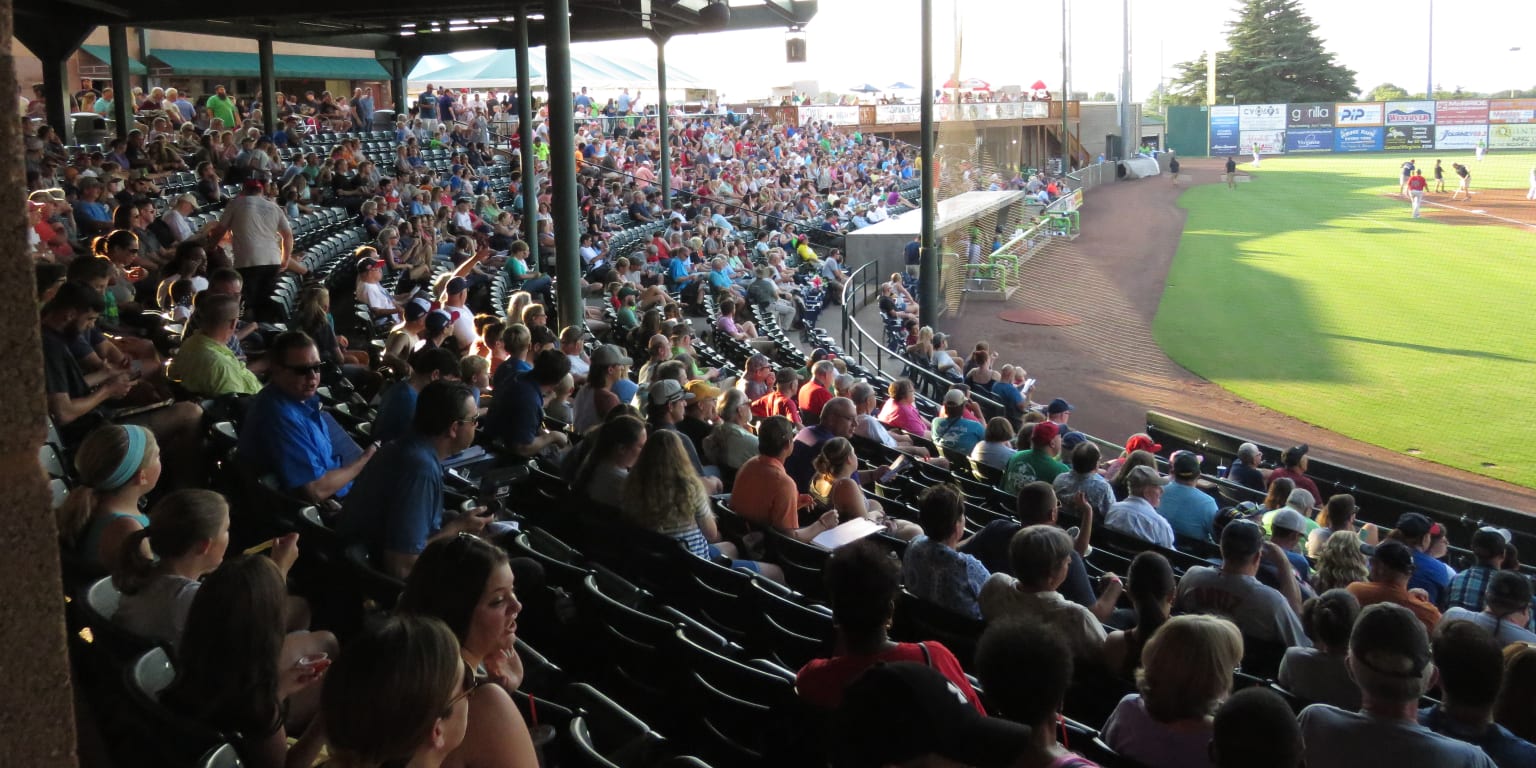
Use the official MiLB tickets directory
Open MiLB's teams-and-tickets page and scan the club and ballpark names in your state or surrounding region. Do not stop at an affiliate name you recognize; map the listed ballpark itself. Add every reasonable park to the same distance list you created for MLB, then open each club's official site to check whether it hosts a game on your chosen date.
The team's official page should provide the current schedule, ticket route, ballpark details and game updates. This matters because a directory entry proves that the club exists at that park, not that it is home tonight. Just like an MLB club, a Minor League team spends part of its schedule on the road.
Check all four full-season levels
Triple-A, Double-A, High-A and Single-A describe levels of the player-development system, not distance from you or the quality of a fan's night out. Search all four classifications before deciding there is no nearby game. A lower-level club may be much closer, while a Triple-A park may sit across a state line but have the easier route.
| Directory detail | What it answers | What it does not answer |
|---|---|---|
| Team and classification | Which professional club and level play there | Whether the club is home on your date |
| Ballpark name | Which venue to map | Your travel time at game-hour traffic |
| Buy Tickets link | Where official inventory begins | A fixed price or guaranteed availability |
The MiLB app is useful after you choose a club: follow the team to see schedules, scores and ticket access in one place. An MLB account is required to sign in, but the app does not magically determine your ideal radius. Set the geography yourself, compare actual home dates, and keep the official club page as the final source before travel.
Find baseball games near you this weekend
Define “this weekend” before searching. For most plans, scan Friday through Sunday one date at a time; add Thursday night or Monday afternoon only if your trip allows it. A three-day window is much more likely to reveal a home series than a single-day query, especially when you compare MLB and MiLB parks together.
- Open Friday's schedule and collect home games inside your radius.
- Repeat the process for Saturday and Sunday.
- Add nearby MiLB home games from official club schedules.
- Map each named venue for the actual game-hour traffic or transit schedule.
- Compare start time, current status and official ticket availability.
Build a short list before comparing tickets
A small planning grid keeps the search honest. Record only facts that can be rechecked:
| Field | Why it matters |
|---|---|
| Date and local start time | Determines whether the trip fits your weekend |
| Home club and named ballpark | Confirms where the game is actually played |
| Route and expected travel time | Turns map distance into a realistic arrival plan |
| Game status | Flags postponements, cancellations or time changes |
| Official ticket page | Shows current seats and checkout total |
If the trip begins the next day, use the MLB schedule for tomorrow as the first MLB check. For plans farther ahead, add the site's complete MLB calendar feed to your calendar and watch for home dates in reachable cities. A calendar event is a planning aid, not a final travel confirmation; recheck the league and team pages before departure.
Do not assume every game in a weekend series starts at the same time. Day games, night games and schedule adjustments can create very different travel options. If Friday is impractical, Saturday or Sunday may still work at the same park. If the MLB choices exceed your radius, return to the MiLB directory rather than stretching “near me” until the trip no longer fits your original plan.
Where to buy baseball tickets safely
Buy only after the home team, date and ballpark are confirmed. A polished listing can still be the wrong event, and a low displayed price may not be the final checkout total. Keep the verified schedule open in one tab while you compare the ticket page in another.
Start with official team inventory
For MLB, begin at MLB's central ticket hub or the host club's official site and choose the exact game. For MiLB, use the official team's Tickets menu or the MiLB app team tab. These primary routes make it easier to confirm the event and understand the club's delivery method, accessible seating process, promotions and game-change policies.
Primary inventory is not guaranteed for every section or date. A sold-out message also does not mean a random search ad is the next safest choice. Return to the league or club page and follow its named resale option, if one is provided.
Compare resale tickets by total cost
MLB identifies SeatGeek as its official fan-to-fan marketplace and describes integration with the MLB Ballpark app. When comparing primary and resale options, match the same event, quantity and approximate seating area, then advance far enough to see the total before payment. Inventory, seller pricing and fees can change minute by minute, so no article can promise today's cheapest seat.
- Confirm the date, local start time, opponents and named ballpark.
- Check whether the listing is primary inventory or a fan resale.
- Read the section, row, seat quantity and any obstructed-view note.
- Compare the final total, not only the first per-ticket number displayed.
- Read delivery timing and the policy for postponement or cancellation.
Use the correct ticket app
Many MLB clubs use the MLB Ballpark app to present, accept and forward mobile tickets, but MLB notes that features vary by club and venue. Minor League fans may use the MiLB app or a club-specific ticket account. The confirmation email and official team instructions should determine which app or wallet you need; do not assume an MLB ticket and a MiLB ticket will appear in the same place.
Sign in and load the ticket before traveling, confirm that every ticket in the group appears, and follow the venue's current entry instructions. Avoid sending ticket barcodes in public messages or social posts. If delivery is delayed or the event details disagree with the official schedule, contact the seller or team ticket office before heading to the park.
What to check before leaving for the ballpark
Run the final check three times: when you book, the night before, and shortly before departure. Weather, start times, ticket delivery and venue procedures can change independently. A forecast may suggest rain, but only the current league or team status tells you whether the game is officially delayed, postponed or still scheduled.
- Game: Confirm opponents, date, local start time, status and the named ballpark.
- Tickets: Make sure every seat appears in the required app or account and the purchase email has been verified.
- Entry: Read the host venue's current bag, prohibited-item and mobile-entry instructions.
- Arrival: Check gate-opening time, parking reservation or transit schedule, and the route from parking or station to the entrance.
- Updates: Review the official club page or app notifications before leaving.
The MLB Ballpark app can centralize tickets, park maps, gate information, parking guidance and alerts for participating clubs. Its features still vary by venue. A setting or wallet option used at one MLB park may not appear at another, and a MiLB club may use a different ticket-account workflow. Let the confirmation email and host-club instructions control your setup.
For a group, distribute tickets before reaching a crowded gate and confirm that each recipient can open the required account. Keep the purchaser's confirmation available in case support must locate the order. If the app requires email verification, finish it on a reliable connection rather than in the security line.
Venue rules are just as local as the game. Bag sizes, cashless payment, re-entry, outside food, accessibility services and gate times can differ among parks and events. Read the selected ballpark's current “Know Before You Go” or A-Z guide; do not copy a policy from a different team simply because both play MLB baseball.
Finally, leave enough margin for game-day traffic and screening. The route estimate that made a park look “near” at noon may change before a 7 p.m. first pitch. A valid nearby-game plan ends with an achievable arrival, a loaded ticket and a still-active event—not merely a purchase confirmation.
MLB or MiLB: which nearby game is the better fit?
Choose the event that best matches the outing, not the league label alone. MLB offers the top level of the sport and the chance to see a particular Major League club or star. MiLB expands the number of professional parks and dates you can consider. Neither option is automatically closer, cheaper or better for every group.
| Decision factor | When MLB may fit better | When MiLB may fit better |
|---|---|---|
| Baseball priority | You want a specific MLB team, opponent or Major League player | You want professional baseball or to follow prospects regardless of level |
| Travel | An MLB home game falls inside the chosen radius | A Minor League park produces a shorter or simpler trip |
| Date | The MLB club is home during the available window | A nearby MiLB club supplies the home date that MLB does not |
| Seats and offers | The actual MLB checkout and available section suit the group | The actual MiLB seats, promotion and final total suit the group |
| Ballpark goal | The Major League venue is part of the destination | A local park and simpler day trip are the priority |
Price should be compared event by event. MLB clubs publish value packs, giveaways and family specials, while Minor League clubs publish their own promotions and ticket types. A broad claim that one level is always cheaper can fail for a high-demand date, a premium seat, a resale listing or a special package. Compare the same number of tickets and the final checkout total.
A simple scorecard works well: give each candidate one point for fitting the travel radius, one for fitting the date and start time, one for the desired baseball experience, one for acceptable seats and one for an acceptable final total. Confirm official details for the highest-scoring choice. This keeps “near me” centered on the actual outing rather than on assumptions about MLB or MiLB.
Baseball games near me FAQ
How do I find a baseball game near me tonight?
Open the current-date MLB schedule, keep only games that have not ended or been canceled, and identify the scheduled home clubs. Map each named venue from your city or ZIP code and compare the route with the local start time. If no MLB home game fits, repeat the process with nearby MiLB team schedules. Recheck the game status and official ticket page before departure.
How do I find Minor League Baseball games near me?
Use MiLB's official teams-and-tickets directory to find ballparks in your state and surrounding area. Search Triple-A, Double-A, High-A and Single-A rather than one classification only. Then open each candidate club's official schedule and retain home games on your selected date. The MiLB app can help you follow the chosen club and access tickets, but it does not replace your own radius and travel-time check.
Where can I find baseball tickets near me?
After confirming the home game and venue, use MLB's or MiLB's official team ticket route. For MLB resale inventory, MLB names SeatGeek as its official fan-to-fan marketplace. Compare the correct event, ticket quantity, seats, delivery method and final checkout total. Search results can surface multiple sellers, but they do not guarantee that the first listing is official, closest or least expensive.
Why does a nearby team have no home game this weekend?
Teams divide their schedules between home and road series, so the closest franchise may be playing elsewhere during your dates. Scan Friday, Saturday and Sunday separately, then expand to other MLB markets or Minor League parks inside your radius. Also verify the venue: a special event or adjusted schedule can place a game somewhere other than the club's regular park.
Last fact-check: August 26, 2026. This article explains the search method rather than displaying live local results. Schedules, venues, inventory, prices and entry rules can change; the league schedule, host-team page and official ticket page are the final authorities for a specific game.
Loading comments...